Meta Brings AI Image & Video Generation to Instagram, WhatsApp & Meta AI — Complete Guide
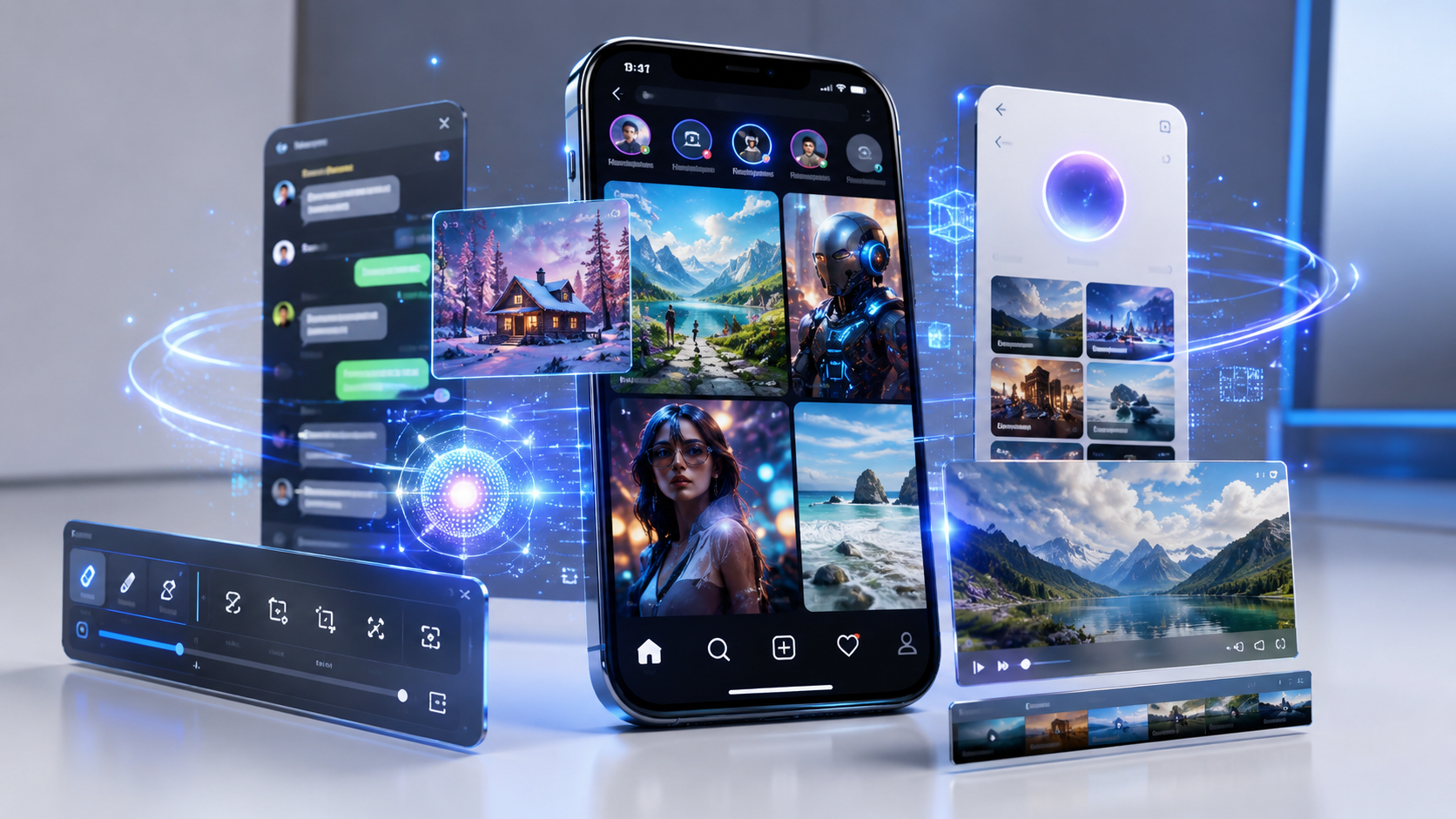
Meta is rapidly expanding its artificial intelligence ecosystem, and one of its biggest updates yet is the rollout of AI image and video generation across Instagram, WhatsApp, Messenger, Facebook, and the standalone Meta AI experience. Instead of switching between multiple AI apps, users can now create, edit, and transform images and short videos directly inside the apps they already use every day.
Whether you want to generate creative artwork, edit vacation photos, create social media posts, or produce short AI-powered videos, Meta’s latest tools make the process significantly easier.
In this guide, we’ll explain how the new features work, where they’re available, how to use them, and what users should know before relying on AI-generated content.
What Is Meta AI Image and Video Generation?
Meta AI Image and Video Generation is a collection of generative AI tools powered by Meta’s latest AI models. These features allow users to:
- Generate images from text prompts
- Edit existing photos using AI
- Remove or replace backgrounds
- Change clothing, styles, or objects
- Generate short AI videos
- Animate still images
- Create social media-ready visuals
Instead of opening separate editing software, users can perform many of these tasks directly inside Meta’s ecosystem.
Where Are These AI Features Available?
Meta is gradually bringing the tools to multiple platforms.
Instagram users can:
- Generate AI images from prompts
- Create Story backgrounds
- Edit photos before posting
- Design AI-powered stickers
- Produce creative Reels assets
These features are integrated into the existing creation workflow.
WhatsApp now includes Meta AI chat features that can generate:
- Images
- Custom illustrations
- AI wallpapers
- Creative stickers
- Visual responses inside conversations
Users simply type a prompt into Meta AI, and the generated image appears within the chat.
1. Messenger
Messenger receives similar capabilities, allowing users to generate visuals without leaving conversations.
This makes creating quick invitations, memes, greeting cards, or personalized graphics much easier.
2. Facebook
Facebook creators can use AI-generated media when creating:
- Posts
- Stories
- Reels
- Cover images
- Event graphics
Meta aims to streamline content creation for both personal users and creators.
3. Meta AI App
The standalone Meta AI experience provides the most complete toolkit, including:
- Text-to-image generation
- AI photo editing
- AI video creation
- Creative brainstorming
- Image enhancement
- Visual style transformations
New features usually appear here before expanding to other Meta products.
How to Generate AI Images
Creating AI artwork takes only a few steps.
Step 1
Open Instagram, WhatsApp, or Meta AI.
Step 2
Launch Meta AI from the search bar, chat window, or AI icon.
Step 3
Enter a detailed prompt.
Example:
“A futuristic coffee shop on Mars with neon lighting and robots serving customers.”
Step 4
Wait a few seconds.
Meta AI generates multiple image variations.
Step 5
Choose your favorite version or refine the prompt for better results.
How to Generate AI Videos
Video generation follows a similar workflow.
Users can:
- Describe a scene
- Upload an image
- Animate a picture
- Extend existing clips
- Add cinematic movement
Example prompt:
“Turn this sunset beach photo into a 10-second cinematic drone shot.”
The AI creates a short animated video using the supplied prompt.
AI Editing Features
One of the most useful additions is AI-powered editing.
Users can simply describe changes such as:
- Make the sky blue
- Add snow
- Remove people
- Change outfit color
- Replace the background
- Add lighting effects
- Convert daytime into sunset
- Turn the photo into anime style
Instead of manual editing, users simply type what they want.
Best Prompt Examples
Better prompts usually produce better results.
Examples include:
Product Photography
Modern wireless headphones on a marble desk with premium studio lighting.
Travel
Tropical island at sunrise with crystal-clear water and realistic reflections.
Portrait
Professional business portrait with soft lighting and blurred office background.
Fantasy
Ancient floating castle above the clouds during sunset.
The more descriptive the prompt, the more accurate the output tends to be.
Who Can Access These Features?
Availability depends on:
- Country
- Device
- Account age
- App version
- Language support
Meta is releasing features gradually, so not every user receives them at the same time.
If you don’t see the tools yet:
- Update Instagram
- Update WhatsApp
- Update Facebook
- Enable Meta AI if available
- Wait for regional rollout
Benefits of Meta’s AI Tools
The biggest advantage is convenience.
Instead of downloading separate AI applications, users can create content directly inside the apps where they already communicate and share media.
Other benefits include:
- Faster content creation
- Beginner-friendly interface
- No editing experience required
- Integrated sharing
- Cross-platform compatibility
- High-quality image generation
- Creative inspiration
For creators, this significantly reduces production time for everyday social media content.
Things to Keep in Mind
Although Meta’s AI tools are impressive, they still have limitations.
Generated images may occasionally contain:
- Incorrect text
- Unrealistic hands
- Inconsistent faces
- Minor visual artifacts
- Prompt interpretation errors
Users should always review AI-generated content before publishing, especially for business or commercial use.
It’s also worth remembering that AI-generated visuals may include visible labels or metadata indicating they were created using AI.
Privacy and Responsible Use
Meta states that some prompts and interactions may be processed to improve AI services. Users should avoid entering confidential, financial, or sensitive personal information into AI prompts.
Creators should also ensure they respect copyright, trademarks, and community guidelines when generating images or videos intended for public sharing.
Expert Tips
- Be as descriptive as possible when writing prompts.
- Specify lighting, camera angle, colors, and style.
- Generate multiple versions before choosing one.
- Edit AI outputs rather than accepting the first result.
- Keep apps updated to receive the latest AI features.
- Combine AI-generated visuals with your own creativity instead of relying entirely on automation.
- Test different wording to improve image quality.
- Use AI to speed up brainstorming, then personalize the final content.
Frequently Asked Questions
1. Is Meta AI image generation free?
Many AI features are currently available at no additional cost, although availability may vary by region and future premium offerings.
2. Can I generate videos inside Instagram?
Yes. Meta is gradually adding AI-powered video generation and editing tools to Instagram.
3. Does WhatsApp support AI images?
Yes. Meta AI in WhatsApp can generate images from text prompts in supported regions.
4. Why can’t I see Meta AI yet?
The rollout is gradual and depends on your location, account, and app version.
5. Can I edit existing photos?
Yes. AI can remove objects, replace backgrounds, change styles, and make other visual edits.
6. Are AI-generated images realistic?
Many are highly realistic, though complex prompts can still produce occasional inaccuracies.
7. Can businesses use these AI tools?
Yes, but businesses should review outputs carefully and ensure compliance with branding, copyright, and advertising policies.
8. Do AI-generated images include labels?
In many cases, Meta applies indicators or metadata to identify AI-generated content.
9. Is my data used to improve Meta AI?
Meta may process prompts and interactions to enhance AI services, subject to its privacy policies and applicable controls.
Meta’s expansion of AI image and video generation across Instagram, WhatsApp, Facebook, Messenger, and Meta AI represents a major step toward making generative AI part of everyday social media use. From creating eye-catching visuals to editing photos with simple text prompts, these tools lower the barrier for creators, businesses, and casual users alike.
While the technology is becoming increasingly powerful, it’s still important to review AI-generated content for accuracy, respect copyright and privacy, and use the tools responsibly. As Meta continues rolling out new capabilities, users can expect even more advanced creative options directly within the apps they already use every day.
Related Internal Article Suggestions
- OpenAI’s GPT-5.6 Is Here: What Sol, Terra & Luna Mean for Everyday AI Users
- On-Device AI Explained: Why Your Next Phone or Laptop Brags About It
- Complete Smartphone Buying Guide : Everything You Need to Know Before Buying a New Phone
- How to Choose the Right AI Tools: A Complete Beginner’s Guide
- OpenAI’s GPT-5.6 Is Here: What Sol, Terra & Luna Mean for Everyday AI Users