By Voltixa Team
Artificial Intelligence (AI) has transformed the way people work, learn, create content, and run businesses. From writing blog posts and generating images to coding applications and automating repetitive tasks, AI tools are becoming an essential part of everyday life.
However, with hundreds of AI platforms available, choosing the right one isn’t always easy. Some tools are designed for content creation, while others focus on programming, graphic design, customer support, research, or productivity.
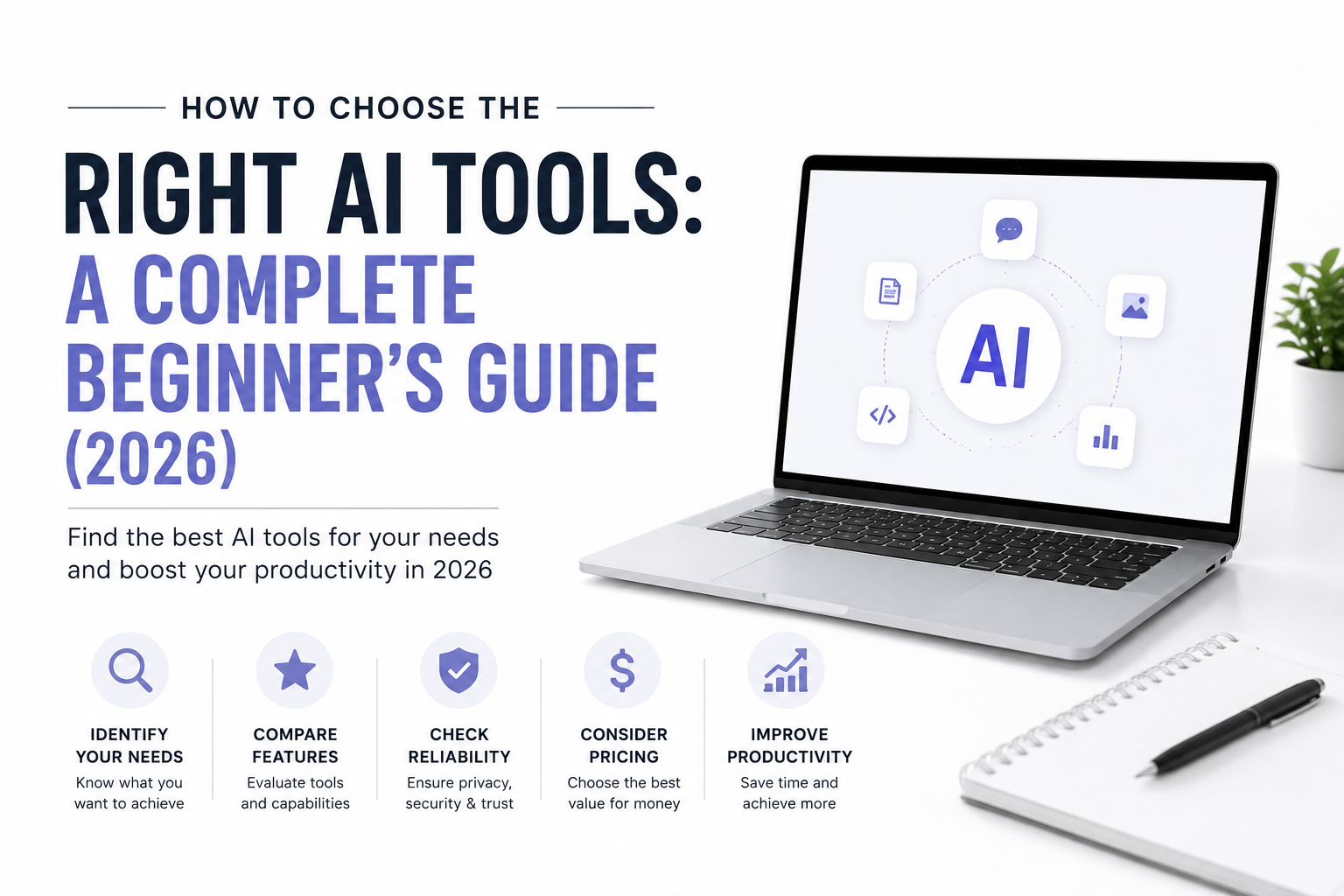
Instead of subscribing to the first AI tool you find, it’s important to understand your own needs and compare different options. This guide will help you make an informed decision.
Table of Contents
- Why Choosing the Right AI Tool Matters
- Identify Your Goal
- Different Types of AI Tools
- Features to Compare
- Pricing Guide
- Privacy & Security
- Free vs Paid AI Tools
- Common Mistakes
- Best AI Tools by Use Case
- Frequently Asked Questions
- Final Verdict
Why Choosing the Right AI Tool Matters
Selecting the wrong AI tool can lead to wasted money, lower productivity, and disappointing results.
A good AI tool should:
- Save time
- Improve your workflow
- Produce reliable results
- Fit your budget
- Work with your existing software
The right tool becomes an assistant that helps you complete tasks faster rather than creating extra work.
Step 1: Identify Your Goal
Before comparing AI platforms, decide what problem you want to solve.
Ask yourself:
- Do I want to write blog posts?
- Do I need help writing code?
- Do I want AI to create images?
- Do I edit videos?
- Do I need AI for research?
- Do I want to automate repetitive business tasks?
Your goal should determine your choice—not advertising or popularity.
Step 2: Understand the Different Types of AI Tools
AI Writing Tools
Ideal for:
- Blog articles
- Emails
- Product descriptions
- Marketing copy
- Social media captions
- SEO content
Popular examples include ChatGPT, Claude, Gemini, Jasper, and Copy.ai.
AI Coding Tools
Useful for:
- Writing code
- Debugging
- Learning programming
- Code explanations
- Documentation
Examples include GitHub Copilot, Cursor, and Codeium.
AI Image Generation Tools
Useful for:
- Blog graphics
- Marketing images
- Product concepts
- Social media
- Website banners
Examples include DALL·E, Midjourney, Adobe Firefly, and Canva AI.
AI Video Tools
Perfect for:
- YouTube creators
- Reels
- TikTok
- Marketing videos
- Video editing
- AI voiceovers
Examples include Runway, Pika, and Synthesia.
AI Productivity Tools
Useful for:
- Meeting summaries
- Note taking
- Task management
- Document analysis
- Team collaboration
Examples include Microsoft Copilot, Notion AI, and Google Workspace AI features.
Step 3: Compare Important Features
Before paying for any AI tool, compare the following.
Ease of Use
A clean interface saves time and reduces frustration.
Accuracy
Test whether the tool produces reliable and relevant answers for your typical tasks.
Speed
Fast responses improve productivity, especially if you use AI throughout the day.
Integrations
Check whether the AI tool works with services you already use, such as Google Drive, Microsoft 365, Slack, GitHub, or WordPress.
Collaboration
If you work with a team, features like shared workspaces, comments, and permission controls can be valuable.
Step 4: Compare Pricing
Many AI tools provide:
- Free plans
- Monthly subscriptions
- Annual plans
- Enterprise pricing
Before subscribing, compare:
- Monthly cost
- Usage limits
- Available features
- Upgrade flexibility
- Customer support
Don’t assume the most expensive tool is automatically the best.
Step 5: Security and Privacy
Many AI tools process documents, conversations, and business information.
Before uploading sensitive data, check whether the provider offers:
- Encryption
- Clear privacy policies
- User data controls
- Business or enterprise plans
- Options to control how your data is used
Avoid uploading confidential business or personal information unless you understand the platform’s data practices.
Free vs Paid AI Tools
| Feature | Free Plan | Paid Plan |
|---|---|---|
| Basic AI Chat | ✅ | ✅ |
| Faster Responses | ❌ | ✅ |
| Higher Usage Limits | ❌ | ✅ |
| Advanced Models | Limited | ✅ |
| Priority Access | ❌ | ✅ |
| Team Features | ❌ | ✅ |
For many beginners, a free plan is enough to learn and evaluate a tool before upgrading.
Best AI Tools by Use Case
| Purpose | Examples |
|---|---|
| Writing | ChatGPT, Claude, Jasper |
| Research | ChatGPT, Gemini |
| Coding | GitHub Copilot, Cursor |
| Image Creation | DALL·E, Midjourney, Adobe Firefly |
| Graphic Design | Canva AI |
| Video Creation | Runway, Pika |
| Productivity | Microsoft Copilot, Notion AI |
Remember that these tools evolve quickly. Always review the latest features before subscribing.
Common Mistakes to Avoid
- Paying before trying the free version.
- Choosing a tool based only on popularity.
- Ignoring privacy and security.
- Using one AI tool for every task.
- Expecting AI to produce perfect results without review.
- Never comparing alternatives.
Frequently Asked Questions
Which AI tool is best for beginners?
A conversational AI assistant is often a good starting point because it can help with writing, brainstorming, research, and learning.
Are free AI tools worth using?
Yes. Many free plans are excellent for personal use and testing before committing to a subscription.
Should I rely completely on AI?
No. AI should support your work, not replace your judgment. Always review important outputs for accuracy.
Can AI improve productivity?
Yes. When used appropriately, AI can automate repetitive tasks, assist with writing and research, and speed up many workflows.
Final Verdict
The best AI tool depends on your goals, budget, and workflow.
If you’re a student, prioritize research and learning features.
If you’re a blogger or marketer, focus on writing quality and SEO support.
If you’re a developer, evaluate coding assistance and integrations.
Start with a free plan whenever possible, compare several tools using real tasks, and upgrade only when a paid subscription clearly saves you time or improves your results.
AI is evolving rapidly, so revisit your choices regularly to ensure you’re using the tools that best fit your needs.
Related Articles
1. How to Choose the Right AI Image Generator: The Ultimate Buying Guide (2026)
2. Complete AI Chatbot Buying Guide (2026): How to Choose the Best AI Assistant
3. Best Smart Glasses in 2026: The Complete Buying Guide
4. How to Choose the Right Student Laptop: The Ultimate Buying Guide (2026)
5. How to Choose the Right Smartphone: The Ultimate Buying Guide (2026)