WhatsApp stronger two-step verification
WhatsApp stronger two-step verification is Meta’s latest security enhancement designed to protect users from phishing, SIM-swap attacks, and unauthorized account access. As cyber threats continue to evolve, Meta is strengthening its account protection system by adding additional verification layers that make it significantly harder for attackers to hijack WhatsApp accounts.
The latest improvements aren’t flashy new messaging features. Instead, they strengthen one of the most important parts of any communication platform: protecting users from losing control of their accounts.
In this guide, we’ll explain exactly what has changed, why these updates matter, how they compare with the previous implementation, and what users should do next.
What Is WhatsApp’s New Security Update?
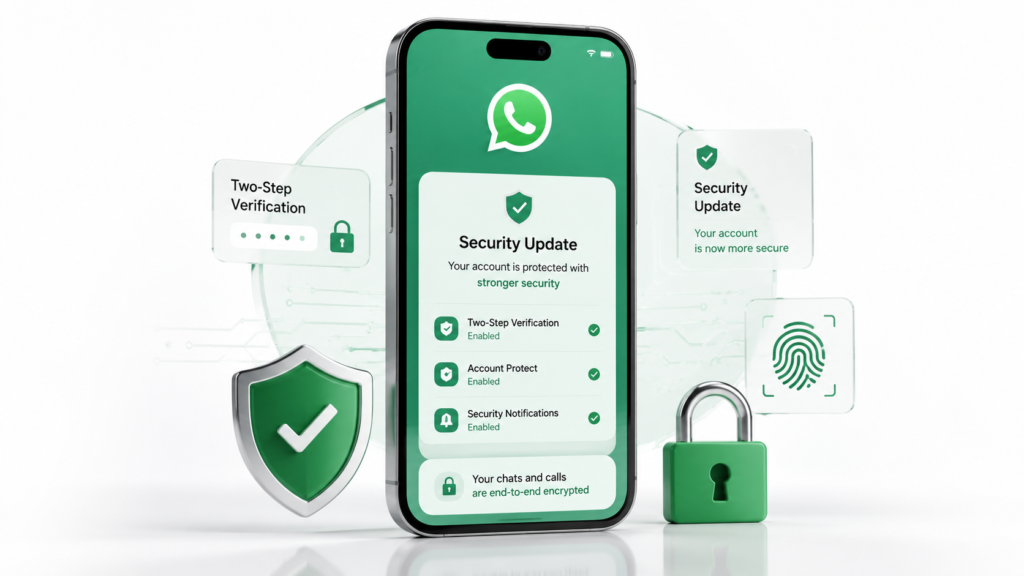
Meta has enhanced WhatsApp’s two-step verification system by introducing stronger protections around account recovery and unauthorized device registration.
Officially Confirmed
Meta has confirmed improvements that make account verification more secure and reduce the chances of attackers taking over accounts through social engineering or verification code theft.
These improvements build on existing security technologies, including:
- Six-digit PIN verification
- End-to-end encryption
- Device verification
- Account Protect
- Security notifications
Rather than replacing the current system, the company is adding multiple layers of authentication during sensitive account actions.
Source Reliability
Official Meta Announcement: High
Voltixaz Analysis
The biggest takeaway is that Meta is moving away from relying solely on SMS verification. Attackers have increasingly targeted one-time verification codes through phishing and SIM-swap fraud. Strengthening two-step verification reflects a broader industry shift toward layered authentication instead of depending on a single security checkpoint.
What’s New in WhatsApp’s Two-Step Verification?
The updated security system introduces several improvements designed to make account recovery safer.
Improved Account Recovery Checks
When someone attempts to register your phone number on another device, WhatsApp performs additional security validation before allowing the transfer.
This helps reduce unauthorized account migration.
Better Protection Against SIM-Swap Attacks
SIM swapping remains one of the biggest threats to messaging platforms.
Under the enhanced verification process, attackers who successfully obtain your phone number still face additional authentication requirements before accessing your chats.
Stronger Device Verification
WhatsApp now performs additional checks when new devices attempt to connect to an existing account.
Instead of relying only on SMS verification, the platform evaluates whether the login appears legitimate before approving the registration.
Enhanced Recovery Experience
Users who forget their PIN now receive a more secure recovery process designed to reduce the likelihood of attackers exploiting password reset workflows.
Voltixaz Analysis
These upgrades may seem invisible because they work in the background. However, invisible security is often the most effective. Legitimate users experience little disruption, while attackers encounter multiple new obstacles.
Why Is Meta Investing More in Account Security?
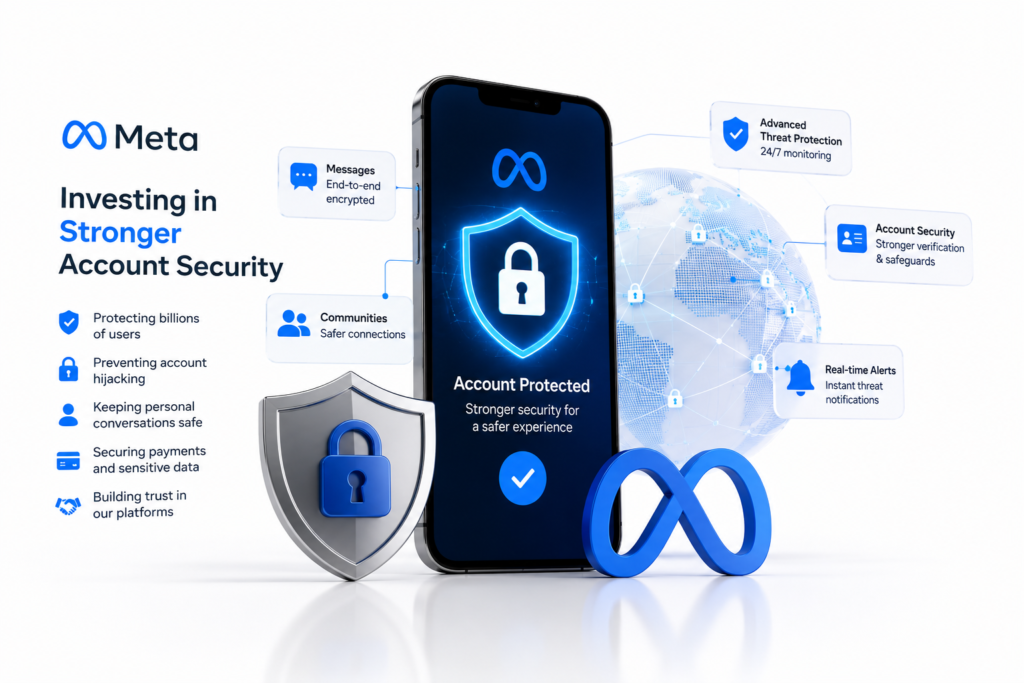
Messaging applications have become attractive targets because they often contain:
- Personal conversations
- Financial information
- Banking OTPs
- Business communications
- Identity verification messages
A compromised WhatsApp account can be used to:
- Scam friends and family
- Impersonate businesses
- Access sensitive conversations
- Spread phishing links
By strengthening two-step verification, Meta is addressing one of the fastest-growing forms of digital fraud.
Voltixaz Analysis
This isn’t just about protecting chats. WhatsApp has effectively become a digital identity platform for millions of users. Improving account security protects the broader ecosystem, including payments, businesses, and personal communications.
Previous vs New Two-Step Verification
| Feature | Previous System | Updated System |
|---|---|---|
| SMS Verification | Primary protection | Enhanced with additional security checks |
| Two-Step PIN | Available | Strengthened |
| Device Verification | Basic | Improved validation |
| Account Recovery | Standard | More secure workflow |
| SIM-Swap Protection | Limited | Better protection |
| Suspicious Login Detection | Basic | Enhanced |
Voltixaz Analysis
The improvements represent incremental security rather than a complete redesign. That’s a sensible approach because users don’t need to learn an entirely new authentication process while still benefiting from stronger protection.
Why Everyday Users Should Care
Many people believe hackers only target celebrities or businesses.
In reality, attackers often prefer ordinary users because they’re less likely to use advanced security settings.
Even if you only use WhatsApp for family conversations, losing access to your account can have serious consequences.
Examples include:
- Friends receiving fake money requests
- Stolen personal photos
- Identity impersonation
- Permanent account lockout
Enabling two-step verification dramatically reduces these risks.
Voltixaz Analysis
Security features often go ignored until something goes wrong. These improvements are valuable precisely because they prevent incidents users never see.
Potential Drawbacks
No security feature is perfect.
Possible limitations include:
- Users forgetting their PIN
- Slightly longer account recovery process
- Additional verification steps during device changes
However, these inconveniences are generally outweighed by the added protection.
Voltixaz Analysis
The balance between convenience and security is always difficult. Meta appears to be leaning slightly toward stronger security without making WhatsApp noticeably harder to use.
Pros & Cons
Pros
- Better protection against account hijacking
- Improved defense against SIM-swap attacks
- More secure account recovery
- Additional verification for suspicious activity
- No extra hardware required
- Works in the background
Cons
- Recovery may take longer
- Forgotten PINs can delay access
- Some users may notice additional verification prompts
Who Should Enable It?
The updated protections are especially valuable for:
- Business owners
- Journalists
- Students
- Remote workers
- Online sellers
- Content creators
- Anyone using WhatsApp daily
Who Should Skip?
There is virtually no reason to disable two-step verification.
The only exception may be users who frequently change phone numbers and struggle to remember their verification PIN.
Even then, using a password manager is a better solution than turning the feature off.
Expert Tips
- Enable two-step verification immediately.
- Add a recovery email if available.
- Never share SMS verification codes.
- Ignore calls asking for authentication codes.
- Use official WhatsApp only.
- Keep your app updated.
- Enable device lock on your smartphone.
- Watch for phishing messages pretending to be WhatsApp Support.
Common Misconceptions
1. “End-to-end encryption protects my account.”
No.
Encryption protects your messages—not your account login.
2. “SMS verification is enough.”
Not anymore.
SIM-swapping attacks have made SMS alone insufficient for protecting online accounts.
3. “Hackers can’t access my account without my phone.”
False.
Attackers may exploit phishing, malware, or SIM swaps to obtain verification codes.
WhatsApp’s stronger two-step verification is one of the platform’s most meaningful security upgrades in recent years. While it doesn’t introduce visible new features, it addresses real-world threats that continue to affect millions of users worldwide.
Rather than reinventing account security, Meta has strengthened existing protections with additional verification layers that improve resistance to phishing, SIM-swapping, and unauthorized account transfers.
For most users, enabling two-step verification remains one of the simplest and most effective ways to secure a WhatsApp account. The minor inconvenience of remembering a PIN is a small trade-off compared with the potential consequences of losing access to personal or business conversations.
FAQs
1. What is WhatsApp’s stronger two-step verification?
It is an enhanced security system that adds extra protection beyond SMS verification to help prevent unauthorized access.
2. Is the feature free?
Yes. It is available at no additional cost.
3. Does it replace SMS verification?
No. It complements SMS verification with additional security checks.
4. How do I enable it?
Go to Settings → Account → Two-Step Verification and create a six-digit PIN.
5. Does it stop hackers completely?
No security system is perfect, but it significantly reduces the risk of account takeover.
6. Can I recover my account if I forget the PIN?
Yes, although the recovery process may require additional verification and can take longer.
7. Does this affect end-to-end encryption?
No. Your message encryption remains unchanged.
8. Will I notice changes during everyday use?
Most users will not. The added protections primarily appear during account registration or recovery.
9. Does this protect against SIM-swap attacks?
It helps reduce the effectiveness of SIM-swap attacks by requiring additional verification beyond SMS.
10. Should every user enable two-step verification?
Yes. It is recommended for anyone who wants stronger account security.
Internal Link Suggestion
- AI News →
/artificial-intelligence/ - Tech News →
/tech-news/ - Reviews →
/reviews-buying-guides/
External Link
- WhatsApp Security — https://www.whatsapp.com/security
- WhatsApp Help Center – Two-Step Verification — https://faq.whatsapp.com/192086672145253/
- WhatsApp Help Center — https://faq.whatsapp.com/
- Meta Newsroom — https://about.fb.com/news/
- Meta Privacy Center — https://privacycenter.instagram.com/