Cybersecurity Stay Safe in the Digital World is no longer just a topic for IT professionals or large businesses. Every day, millions of people use smartphones, laptops, and the internet for banking, shopping, social media, work, and communication. While technology has made life easier, it has also created opportunities for cybercriminals to steal personal information, financial data, and online identities. Understanding cybersecurity and adopting safe online habits can protect you from becoming a victim of cybercrime.
What Is Cybersecurity?
Cybersecurity refers to the practice of protecting computers, smartphones, networks, software, and digital information from cyber threats such as hacking, malware, phishing, ransomware, and identity theft. In today’s connected world, almost every aspect of our lives depends on the internet. From paying bills online to storing personal photos in the cloud, our digital presence continues to grow. This makes cybersecurity an essential part of everyday life rather than something only technology experts need to understand.
The goal of cybersecurity is to ensure that your information remains private, accurate, and available whenever you need it. Whether you are an individual, a student, or a business owner, staying informed about online threats can save you from financial loss and emotional stress.
Why Cybersecurity Is Important
Every year, cyberattacks affect millions of people worldwide. Criminals are constantly developing new methods to steal passwords, banking information, and personal data. A successful cyberattack can result in financial fraud, identity theft, damaged reputations, or even the permanent loss of important files.
Imagine receiving an email that appears to come from your bank asking you to verify your account. Without thinking, you click the link and enter your login details. Within hours, your bank account has been compromised. This type of attack happens every day and highlights why learning Cybersecurity Stay Safe in the Digital World is so important.
Common Cyber Threats
One of the most common online threats is phishing, where scammers pretend to be trusted organizations and trick users into revealing sensitive information. These fake emails or text messages often create a sense of urgency, encouraging people to click dangerous links or download malicious attachments.
Another major threat is malware, which includes viruses, spyware, ransomware, and trojans. Malware can secretly monitor your activities, steal passwords, or lock your files until you pay a ransom. Ransomware attacks have affected hospitals, businesses, schools, and even government organizations around the world.
Cybercriminals also use social engineering, manipulating human emotions rather than technical weaknesses. They may pretend to be customer support agents, delivery companies, or even family members in distress to gain your trust.
How to Stay Safe in the Digital World
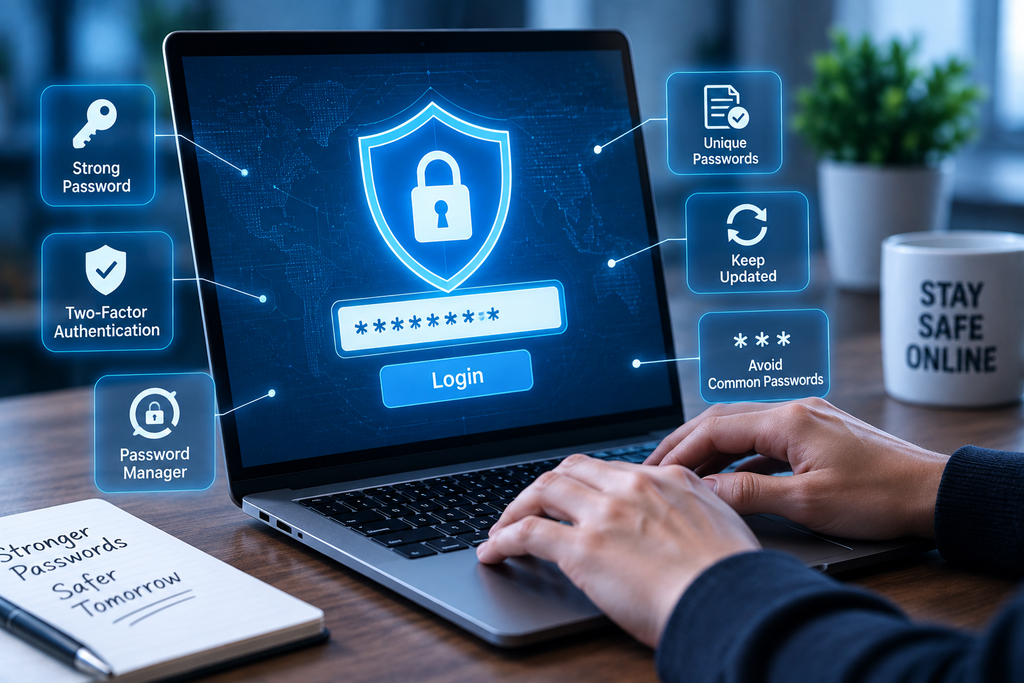
Protecting yourself online starts with simple habits that significantly reduce your risk. Use strong and unique passwords for every account instead of reusing the same password across multiple websites. A password manager can help you generate and securely store complex passwords.
Enable multi-factor authentication (MFA) whenever possible. Even if someone steals your password, they won’t be able to access your account without the second verification step.
Keep your operating system, browser, mobile apps, and antivirus software updated. Software updates often include security patches that fix newly discovered vulnerabilities before hackers can exploit them.
Be cautious when opening emails or text messages from unknown senders. Never click suspicious links or download unexpected attachments. If an email claims to be from your bank or another trusted organization, visit the company’s official website directly instead of using the provided link.
Avoid connecting to unsecured public Wi-Fi networks when accessing sensitive information such as online banking or shopping. If you must use public Wi-Fi, consider using a trusted Virtual Private Network (VPN) for additional protection.
Regularly back up important documents, photos, and files to cloud storage or an external hard drive. If your device becomes infected with ransomware, having recent backups can save you from losing valuable data.
Recognizing Phishing Scams
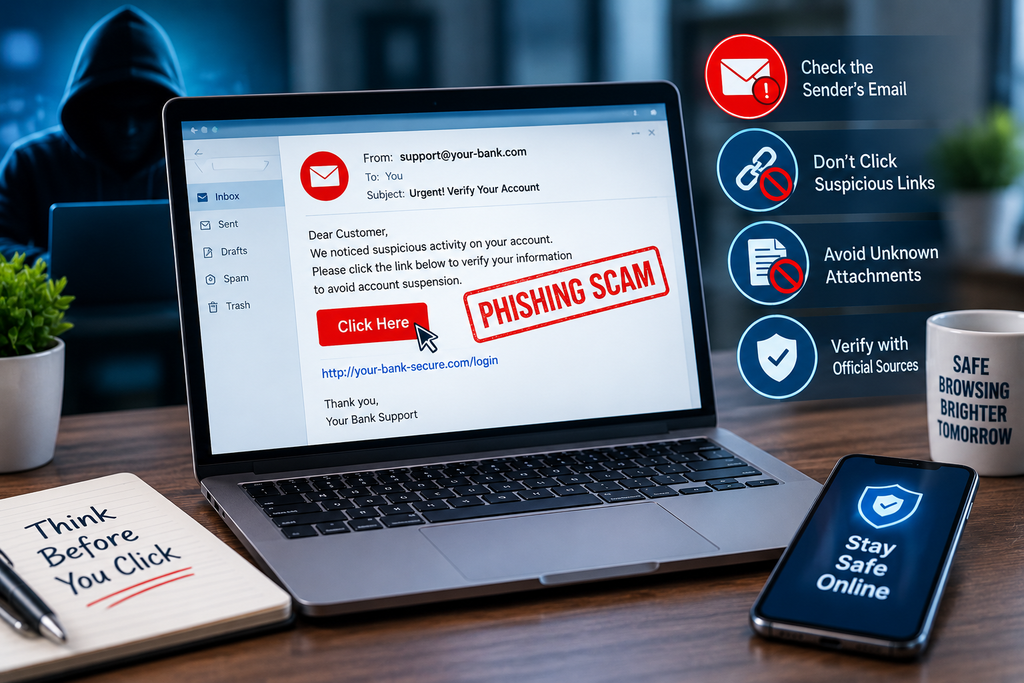
Phishing remains one of the most successful cyberattacks because it targets human behavior instead of computer systems. Scammers often create emails that look identical to messages from banks, online stores, government agencies, or delivery services.
Warning signs include urgent requests for immediate action, unexpected invoices, spelling mistakes, suspicious email addresses, and requests for passwords or One-Time Passwords (OTPs). Legitimate organizations rarely ask customers to share sensitive information through email.
If you receive a suspicious message, do not click any links. Contact the organization using its official website or customer support number to verify the request.
Protecting Your Personal Information
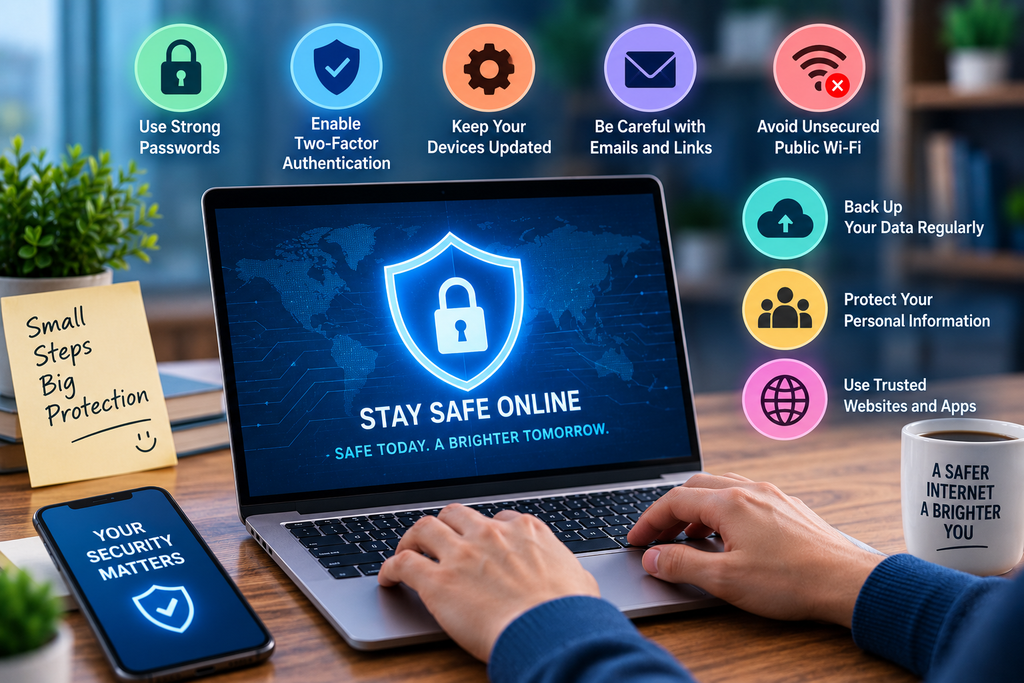
Your personal information is one of your most valuable digital assets. Avoid sharing sensitive details such as banking information, Aadhaar numbers, passwords, or travel plans on social media platforms. Review your privacy settings regularly and limit the amount of personal information visible to strangers.
When shopping online, only purchase from trusted websites that use secure HTTPS connections. Always verify payment pages before entering your card details and monitor your bank statements for unusual transactions.
Cybersecurity for Families and Businesses
Cybersecurity is equally important for families and organizations. Parents should educate children about online safety, cyberbullying, and the risks of communicating with strangers. Businesses should provide cybersecurity awareness training to employees because human error remains one of the leading causes of security breaches.
Organizations should also implement regular data backups, access controls, employee training, and endpoint security solutions to reduce cyber risks.
What to Do If You Become a Victim
If you suspect that your account has been compromised, act immediately. Change your passwords, enable multi-factor authentication, and contact your bank if financial information has been exposed. Run a full antivirus scan on your device and report phishing emails or fraudulent messages to the appropriate authorities. Acting quickly can limit the damage and improve your chances of recovering stolen accounts or funds.
Final Thoughts
Cybersecurity Stay Safe in the Digital World is more than a slogan—it is a daily responsibility. As cyber threats continue to evolve, staying informed and practicing safe online habits is the best defense against hackers, scammers, and identity thieves. Simple actions such as using strong passwords, enabling multi-factor authentication, keeping your devices updated, and recognizing phishing attempts can make a significant difference in protecting your digital life. By making cybersecurity part of your routine, you can enjoy the benefits of technology with greater confidence and peace of mind.
Frequently Asked Questions
1. What is cybersecurity?
Cybersecurity is the practice of protecting digital devices, networks, and personal information from cyber threats such as hacking, phishing, malware, and ransomware.
2. Why is cybersecurity important?
Cybersecurity helps protect your financial information, personal data, online identity, and digital privacy from cybercriminals.
3. What is phishing?
Phishing is a cyber scam in which attackers impersonate trusted organizations to steal sensitive information like passwords, banking details, or OTPs.
4. How can I stay safe online?
Use strong passwords, enable multi-factor authentication, update your devices regularly, avoid suspicious links, back up your data, and only use trusted websites.
DoFollow External Links
- National Cyber Crime Reporting Portal: https://cybercrime.gov.in/
- CISA Cybersecurity Tips: https://www.cisa.gov/
- FBI Cyber Safety: https://www.fbi.gov/investigate/cyber
- NIST Cybersecurity Framework: https://www.nist.gov/cyberframework
- Microsoft Security: https://www.microsoft.com/security
Internal Links
- AI News →
/artificial-intelligence/ - Tech News →
/tech-news/ - Reviews →
/reviews-buying-guides/