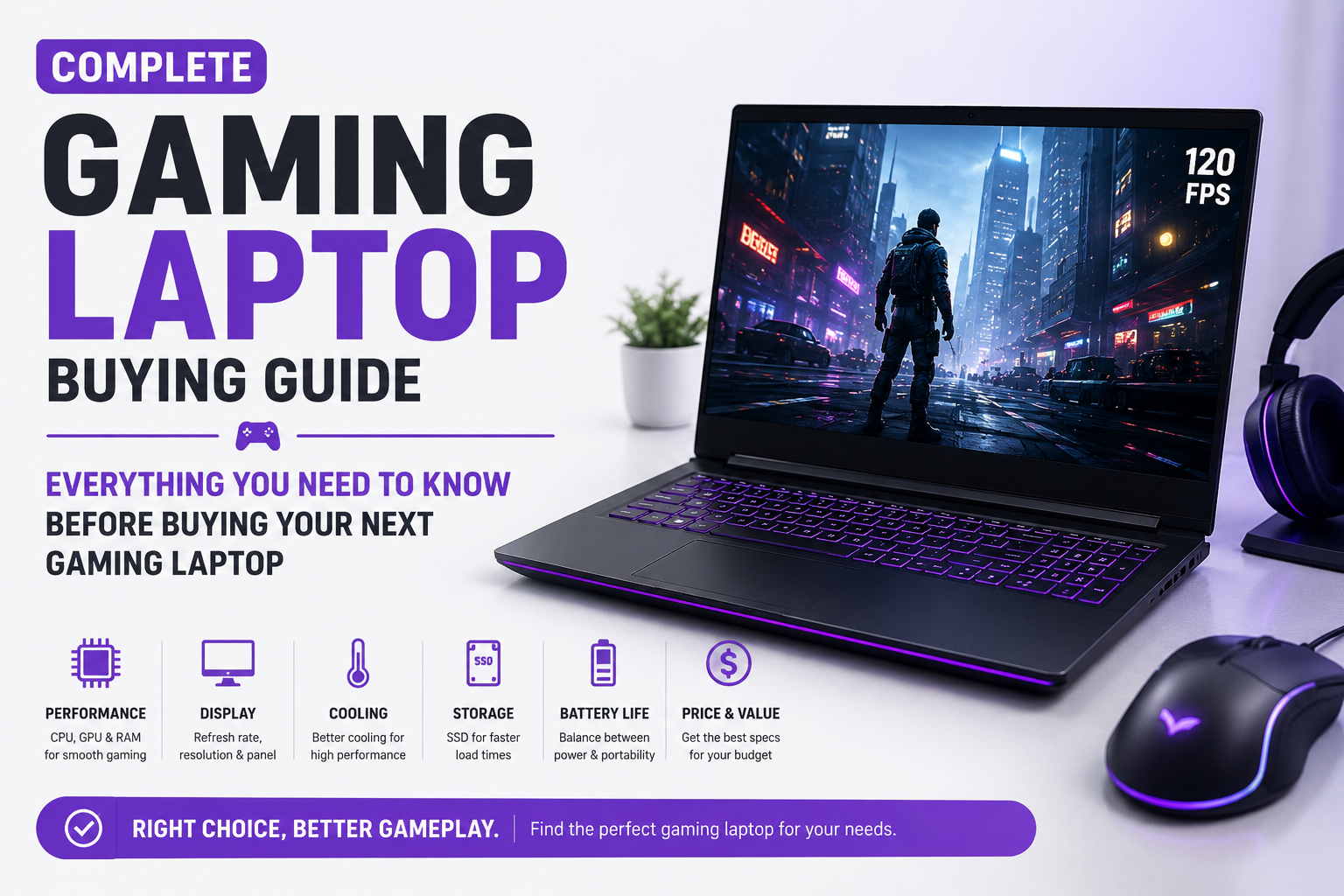
Gaming laptops have evolved dramatically over the past few years, offering desktop-level performance in portable designs. Whether you’re a casual gamer who enjoys playing after work or a competitive esports player chasing high frame rates, choosing the right gaming laptop can significantly impact your gaming experience. However, with countless models available from brands like ASUS, MSI, Lenovo, Acer, HP, Dell, Razer, and Gigabyte, selecting the perfect machine can quickly become overwhelming.
Many buyers make the mistake of purchasing a gaming laptop based solely on its graphics card or flashy RGB lighting. While these features certainly matter, they are only part of the equation. A gaming laptop is a combination of its processor, graphics card, display, cooling system, battery life, build quality, storage, memory, and upgrade options. Ignoring any one of these factors can result in poor performance, overheating, or a system that becomes outdated much sooner than expected.
This comprehensive gaming laptop buying guide will explain everything you should consider before investing in your next gaming machine. By the end of this guide, you’ll know exactly what specifications matter, which features are worth paying for, and how to choose a gaming laptop that fits both your gaming style and budget.
Why Buy a Gaming Laptop?
Gaming laptops are no longer limited to gaming alone. Modern machines are powerful enough to handle demanding workloads such as video editing, 3D rendering, programming, graphic design, streaming, and content creation. Their powerful processors, dedicated graphics cards, and high-speed displays make them suitable for both work and entertainment.
Unlike gaming desktops, gaming laptops offer portability without sacrificing much performance. Students, professionals, travelers, and content creators who need a powerful computer on the move often find gaming laptops to be an excellent investment.
Set Your Budget Before Shopping
Before comparing specifications, decide how much you’re willing to spend. Your budget determines the level of performance you can expect and helps narrow your options.
Budget gaming laptops provide excellent performance for popular esports titles and everyday tasks. Mid-range gaming laptops strike the best balance between price and performance, making them ideal for most gamers. Premium flagship models deliver maximum graphics performance, stunning displays, advanced cooling systems, and future-proof hardware but come at a significantly higher cost.
Instead of buying the most expensive laptop available, focus on finding one that matches your gaming requirements while leaving room in your budget for accessories like a gaming mouse, headset, and external monitor.
The Processor Is the Brain of Your Gaming Laptop
The processor, or CPU, controls how efficiently your laptop handles games, multitasking, streaming, and productivity applications. A powerful graphics card alone cannot deliver excellent gaming performance if paired with a weak processor.
Modern gaming laptops commonly feature processors from Intel’s Core i5, Core i7, and Core i9 series or AMD’s Ryzen 5, Ryzen 7, and Ryzen 9 lineup. While entry-level processors are suitable for casual gaming, serious gamers and content creators should consider higher-tier CPUs that offer better multitasking and longer-term performance.
If you plan to stream gameplay, edit videos, or run multiple applications simultaneously, investing in a stronger processor is highly recommended.
Graphics Card Is the Most Important Gaming Component
The graphics processing unit (GPU) has the greatest influence on gaming performance. It determines frame rates, graphical settings, ray tracing capabilities, and support for modern gaming technologies such as DLSS and Frame Generation.
Entry-level graphics cards provide smooth gameplay in esports titles such as Valorant, Counter-Strike 2, Rocket League, and League of Legends. Mid-range GPUs comfortably handle modern AAA games at high settings, while flagship graphics cards deliver exceptional performance in 1440p and even 4K gaming.
When comparing laptops, remember that laptop GPUs perform differently from their desktop counterparts due to power limitations. Two laptops with the same GPU model can perform differently depending on their cooling system and power allocation.
Display Quality Can Completely Change Your Gaming Experience
A gaming laptop’s display is one of its most important features because you’ll spend countless hours looking at it. While many buyers focus only on screen size, several other factors deserve equal attention.
Resolution determines image sharpness. Full HD (1920×1080) remains the most popular choice because it provides excellent performance while keeping hardware requirements reasonable. Higher resolutions like Quad HD (2560×1440) produce sharper visuals but require more powerful hardware to maintain smooth frame rates.
Refresh rate is equally important. Traditional 60Hz displays refresh sixty times per second, whereas modern gaming laptops commonly feature 120Hz, 144Hz, 165Hz, or even 240Hz panels. Higher refresh rates produce smoother gameplay, improved responsiveness, and a competitive advantage in fast-paced games.
IPS displays generally offer superior viewing angles and color accuracy compared to older panel technologies, making them ideal for both gaming and creative work.
RAM Plays a Bigger Role Than Many People Realize
Random Access Memory (RAM) allows your laptop to manage multiple applications and game assets efficiently. Insufficient RAM often causes stuttering, slow loading, and reduced multitasking performance.
For modern gaming, 16GB of RAM has become the recommended minimum. This amount comfortably handles current AAA games, web browsers, voice chat applications, and streaming software simultaneously.
Gamers who edit videos, create content, or use demanding professional software should consider 32GB of RAM for improved productivity and future-proofing.
SSD Storage Is Essential
Traditional hard drives have largely disappeared from gaming laptops because they are significantly slower than modern solid-state drives (SSDs). SSDs dramatically reduce boot times, application launches, and game loading screens.
A 512GB SSD provides enough storage for Windows and several large games, while a 1TB SSD offers far greater flexibility for gamers with extensive game libraries.
If possible, choose a laptop that allows future storage upgrades, giving you room to expand without replacing the entire system.
Cooling System Matters More Than Most Buyers Think
Gaming generates substantial heat, and poor cooling can severely reduce performance. As temperatures rise, processors and graphics cards automatically reduce their speed to prevent damage, a process known as thermal throttling.
A well-designed cooling system maintains stable temperatures, quieter operation, and consistent gaming performance even during extended sessions. Look for laptops with multiple heat pipes, dual-fan cooling systems, large air vents, and intelligent thermal management software.
While thin gaming laptops may look attractive, thicker models often provide superior cooling and sustained performance.
Battery Life Shouldn’t Be Your Main Priority
Gaming laptops consume significantly more power than traditional notebooks due to their powerful hardware. As a result, battery life is generally shorter, especially during gaming.
Most gaming laptops offer several hours of battery life for everyday productivity tasks such as web browsing and document editing. However, serious gaming almost always requires connecting the laptop to its charger to unlock maximum performance.
If portability is your primary concern, consider balancing gaming performance with battery efficiency rather than focusing solely on battery capacity.
Build Quality Makes a Long-Term Difference
A gaming laptop is an investment that should last several years. Durable aluminum or magnesium alloy chassis generally provide better rigidity, improved cooling, and a more premium feel compared to cheaper plastic designs.
A sturdy hinge, high-quality keyboard, responsive trackpad, and strong overall construction contribute significantly to the long-term ownership experience. RGB keyboards, customizable lighting, and premium finishes may enhance aesthetics, but durability should always come first.
Connectivity and Ports
A gaming laptop should include enough ports to support your accessories and external displays. Before purchasing, check that the laptop offers the connections you’ll actually use.
Look for features such as:
- USB-C ports with Power Delivery or DisplayPort support
- Multiple USB-A ports for gaming peripherals
- HDMI for external monitors
- Ethernet port for stable online gaming
- Wi-Fi 6 or Wi-Fi 7 for faster wireless connectivity
- Bluetooth 5.3 or later for wireless accessories
- High-speed SD card reader if you’re a content creator
Having sufficient connectivity ensures your laptop remains useful as your setup expands.
Keyboard and Audio Quality
Gaming keyboards should offer comfortable key travel, responsive feedback, and durable switches capable of handling years of heavy use. Many premium gaming laptops include customizable RGB lighting, allowing users to personalize their setup.
Audio quality is equally important. While external gaming headsets provide the best experience, quality built-in speakers enhance casual gaming, movie watching, and everyday use.
Upgradeability Is Worth Considering
Unlike many ultrabooks, numerous gaming laptops allow users to upgrade RAM and SSD storage after purchase. This flexibility extends the lifespan of your laptop and enables future performance improvements without replacing the entire machine.
Before buying, check whether the memory and storage are user-upgradable or permanently soldered to the motherboard.
Common Mistakes Buyers Make
Many first-time buyers focus exclusively on the graphics card while ignoring other equally important components. A balanced gaming laptop consistently delivers a better experience than one with an expensive GPU paired with weaker supporting hardware.
Some common mistakes include:
- Buying only based on RGB lighting and appearance.
- Ignoring display quality and refresh rate.
- Choosing insufficient storage for modern games.
- Overlooking cooling performance.
- Purchasing more power than your gaming needs require.
- Ignoring future upgrade options.
- Selecting the cheapest model without considering long-term reliability.
Avoiding these mistakes can save both money and frustration.
Which Gaming Laptop Is Right for You?
The ideal gaming laptop depends entirely on your gaming habits and lifestyle. Casual gamers who primarily enjoy esports titles can comfortably choose entry-level or mid-range systems. Competitive players benefit from high-refresh-rate displays and fast processors. AAA gamers should prioritize powerful graphics cards and effective cooling systems. Content creators need additional RAM, fast storage, accurate displays, and high-performance CPUs capable of handling editing workloads.
Understanding how you intend to use your laptop helps narrow your choices and prevents overspending on features you may never use.
Final Verdict
Choosing the perfect gaming laptop requires much more than comparing graphics cards. The best gaming experience comes from a well-balanced system that combines a powerful processor, capable GPU, fast SSD storage, sufficient RAM, an excellent display, efficient cooling, and solid build quality.
For most gamers, a mid-range gaming laptop with a modern processor, dedicated graphics card, 16GB of RAM, a 1TB SSD, and a high-refresh-rate Full HD display offers the best combination of performance, value, and longevity. Enthusiasts seeking maximum graphical performance can invest in flagship models with higher-end hardware, but should also ensure the laptop includes an advanced cooling system capable of sustaining that performance.
A gaming laptop is an investment that should provide years of reliable gaming, productivity, and entertainment. By understanding the specifications that truly matter and avoiding common buying mistakes, you can confidently choose a machine that delivers outstanding performance both today and well into the future.