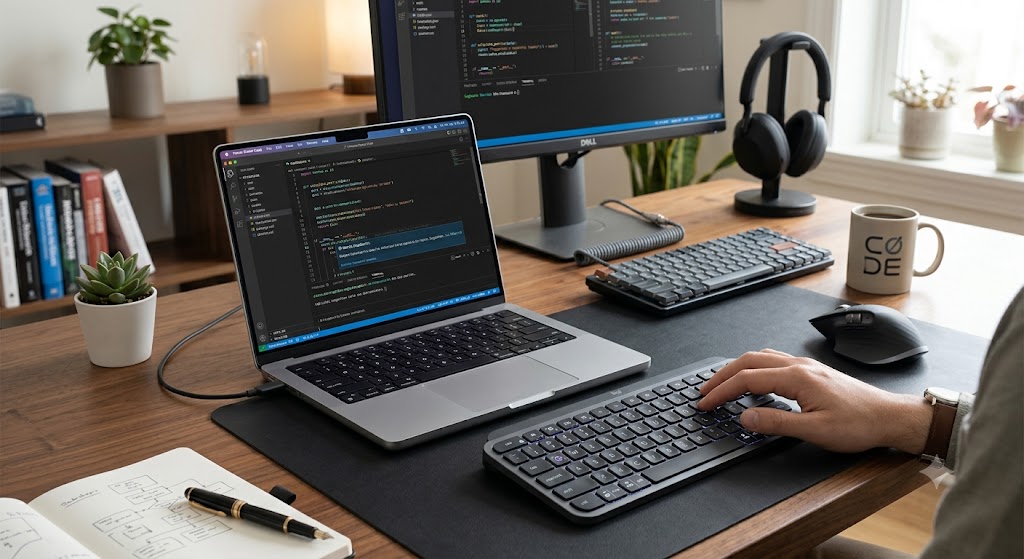
As artificial intelligence continues to transform software development, Logitech has introduced a new hardware device designed specifically for developers who rely on AI every day. Called the Logitech MX Keypad, the compact accessory acts as a customizable control center that gives programmers instant access to AI coding tools, automation shortcuts, and multi-agent workflows.
Unlike traditional macro pads, the MX Keypad has been built with today’s AI-powered development environment in mind. Whether you’re switching between GitHub Copilot, Claude Code, Visual Studio Code, or IntelliJ IDEA, the device aims to reduce repetitive actions and help developers stay focused on writing and managing code rather than navigating menus and remembering keyboard shortcuts. Logitech Newsroom
Why Logitech Built the MX Keypad
Software development has changed dramatically over the past two years.
Developers are no longer writing every line of code manually. Instead, AI assistants generate functions, review code, explain complex logic, create documentation, and even fix bugs. As a result, developers often work with multiple AI tools simultaneously.
Managing these tools efficiently can become challenging.
Switching between windows, typing long prompts repeatedly, and memorizing dozens of shortcuts can interrupt concentration and reduce productivity.
Logitech says the MX Keypad was created to solve exactly this problem by providing a physical interface for AI workflows. Instead of searching through menus or remembering complex key combinations, developers can execute tasks with a single programmable key press. Logitech Newsroom
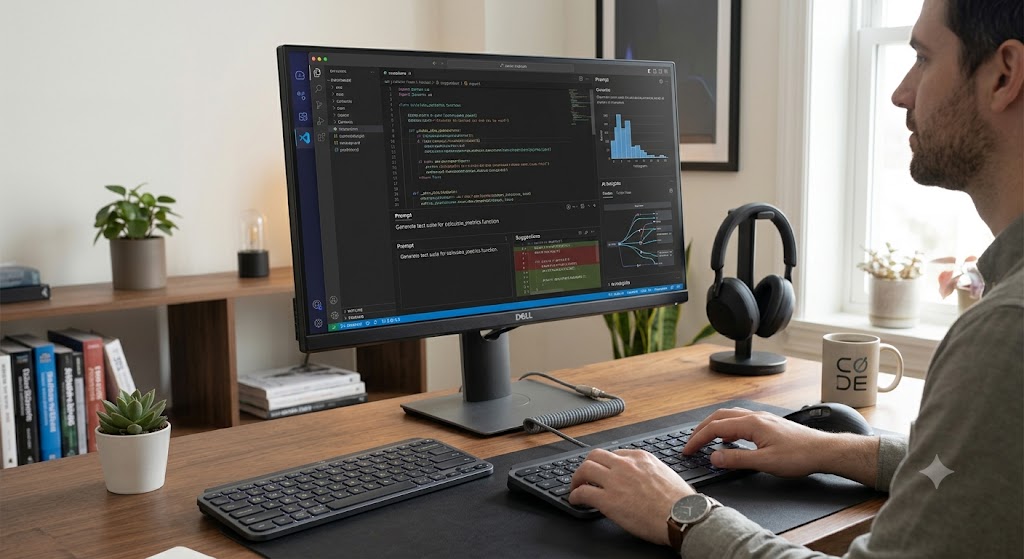
image credit: google gemini.
Designed for the Era of AI Coding
The MX Keypad isn’t simply another programmable keypad.
Logitech describes it as an AI Control Center, capable of managing workflows across multiple applications and AI coding agents.
The keypad is compatible with several popular developer tools, including:
- GitHub Copilot
- Claude Code
- Visual Studio Code
- IntelliJ IDEA
Rather than limiting users to a single ecosystem, Logitech has focused on cross-platform compatibility, allowing developers to create workflows that span different applications without interruption. Logitech Newsroom
Nine Dynamic LCD Keys with 135 Customizable Actions
One of the standout features of the MX Keypad is its nine full-color LCD keys.
Unlike ordinary macro buttons, each key can display different icons, commands, or labels depending on the application currently in use. This makes it easier for developers to identify shortcuts without memorizing them.

image credit: google gemini.
The keypad supports:
- 9 programmable LCD keys
- Up to 15 pages of commands
- A total of 135 customizable shortcuts
Developers can assign actions such as:
- Generate AI code
- Refactor existing code
- Launch the terminal
- Run scripts
- Create Git commits
- Open pull requests
- Execute build commands
- Deploy projects
- Trigger complex prompt macros
Because profiles can change automatically based on the active application, the same physical keys can perform entirely different functions depending on the developer’s workflow.
Built to Work with Multiple AI Agents
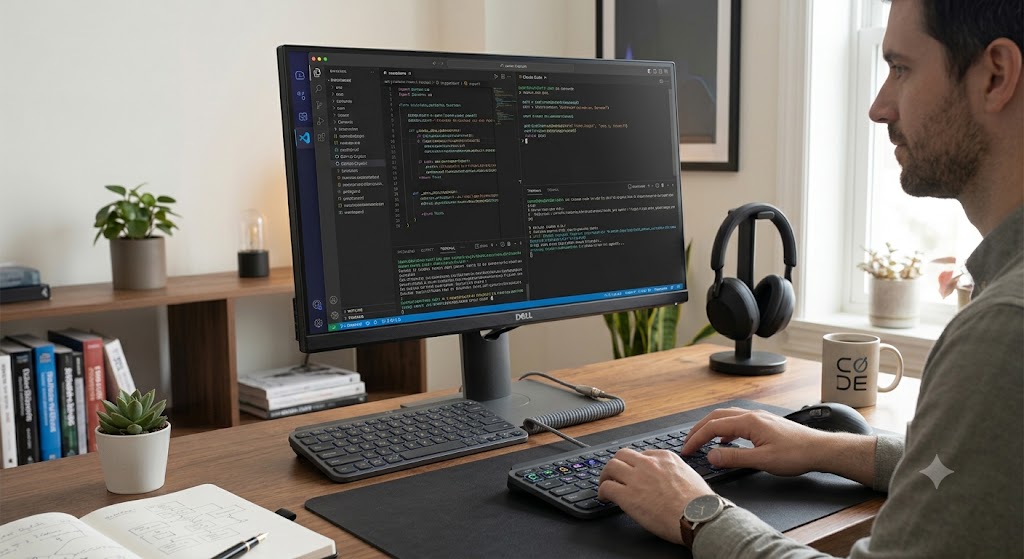
One of the most interesting aspects of the MX Keypad is its support for multi-agent development.
Modern AI coding often involves several specialized assistants working simultaneously.
For example, one AI agent may generate code while another reviews security issues, a third writes documentation, and another creates automated tests.
Instead of manually switching between these assistants, developers can use dedicated keypad shortcuts to launch prompts, monitor progress, and move between AI agents more efficiently.
This reflects the growing trend of “agentic coding,” where developers increasingly supervise AI systems instead of writing every instruction themselves. Logitech Newsroom
Native GitHub Integration
Logitech developed the MX Keypad in collaboration with GitHub, ensuring tight integration with the GitHub ecosystem from launch.
The keypad includes native support for:
- GitHub Copilot
- GitHub within Visual Studio Code
Eligible users also receive three months of GitHub Copilot Pro+ through the Logi Options+ software, giving developers immediate access to advanced AI coding features after purchasing the device. Logitech Newsroom
Extensive Customization with the Logi Actions SDK
Customization is one of the MX Keypad’s biggest strengths.
Using Logitech’s Logi Actions SDK, developers can create their own plugins and automation workflows.
This opens the door to:
- Custom AI integrations
- Internal company workflows
- CLI automation
- Personalized development shortcuts
- Workflow-specific plugins
Because the SDK is designed with AI-assisted development in mind, developers can even use AI coding tools to help generate custom integrations, making advanced automation more accessible.
A Familiar Design with a New Purpose
The MX Keypad takes inspiration from Logitech’s earlier MX Creative Console, which was aimed at designers, video editors, and creative professionals.
While the Creative Console focused on Adobe applications and multimedia workflows, the MX Keypad shifts its attention entirely toward software development and AI-assisted coding.
This evolution highlights Logitech’s strategy of creating specialized productivity hardware for different professional audiences. Logitech
Price and Availability
The Logitech MX Keypad is available in Graphite and Pale Grey color options.
Pricing includes:
- US: $99.99
- Europe: €99.99
- India: ₹15,999
The device connects through USB-C and supports Windows 10 or later and macOS 13 or later. 9to5Mac
Why the MX Keypad Matters
The launch of the MX Keypad signals more than just another productivity accessory.
It reflects how software development itself is evolving.
Only a few years ago, developers primarily relied on keyboards and mice for coding. Today, AI assistants have become an integral part of the workflow, helping generate code, review projects, debug applications, and automate repetitive tasks.
As these AI capabilities expand, developers need faster ways to manage them.
The MX Keypad introduces a physical interface for interacting with AI-powered tools, reducing friction between the developer and their growing collection of coding assistants.
If AI continues to reshape programming at its current pace, devices like the MX Keypad could become as common on developers’ desks as mechanical keyboards and programmable mice.

How It Compares to Existing Macro Pads
Several programmable control pads already exist, including products aimed at streamers, creators, and productivity enthusiasts.
However, Logitech is positioning the MX Keypad differently.
Instead of targeting content creation or broadcasting, the company has optimized the device specifically for AI-assisted software development.
Its emphasis on multi-agent workflows, cross-application compatibility, AI prompt macros, and developer-focused plugins makes it one of the first hardware products built around the needs of modern AI coding rather than traditional macro automation.
Final Thoughts
The Logitech MX Keypad represents an important step in the evolution of developer tools. As AI assistants become central to software engineering, hardware designed specifically for AI workflows is beginning to emerge alongside traditional keyboards and mice.
With programmable LCD keys, support for 135 customizable shortcuts, native GitHub integration, and compatibility with popular AI coding platforms, the MX Keypad offers developers a new way to organize and accelerate their daily work.
While it may be most valuable for professionals who already rely heavily on AI coding assistants, its launch also hints at a broader industry trend: the future of software development is likely to involve not only smarter AI tools but also smarter hardware built to control them. Logitech Newsroom
Outbound links
- Logitech Official Announcement: Logitech MX Keypad Official Announcement
- GitHub Copilot Official Page: GitHub Copilot
- GitHub Copilot in VS Code Documentation: GitHub Copilot for Visual Studio Code
- Logitech Product Information: Logitech Official Website
- GitHub Copilot Supported AI Models: GitHub Copilot Supported AI Models
Internal Links
- AI News →
/artificial-intelligence/ - Tech News →
/tech-news/ - Reviews →
/reviews-buying-guides/