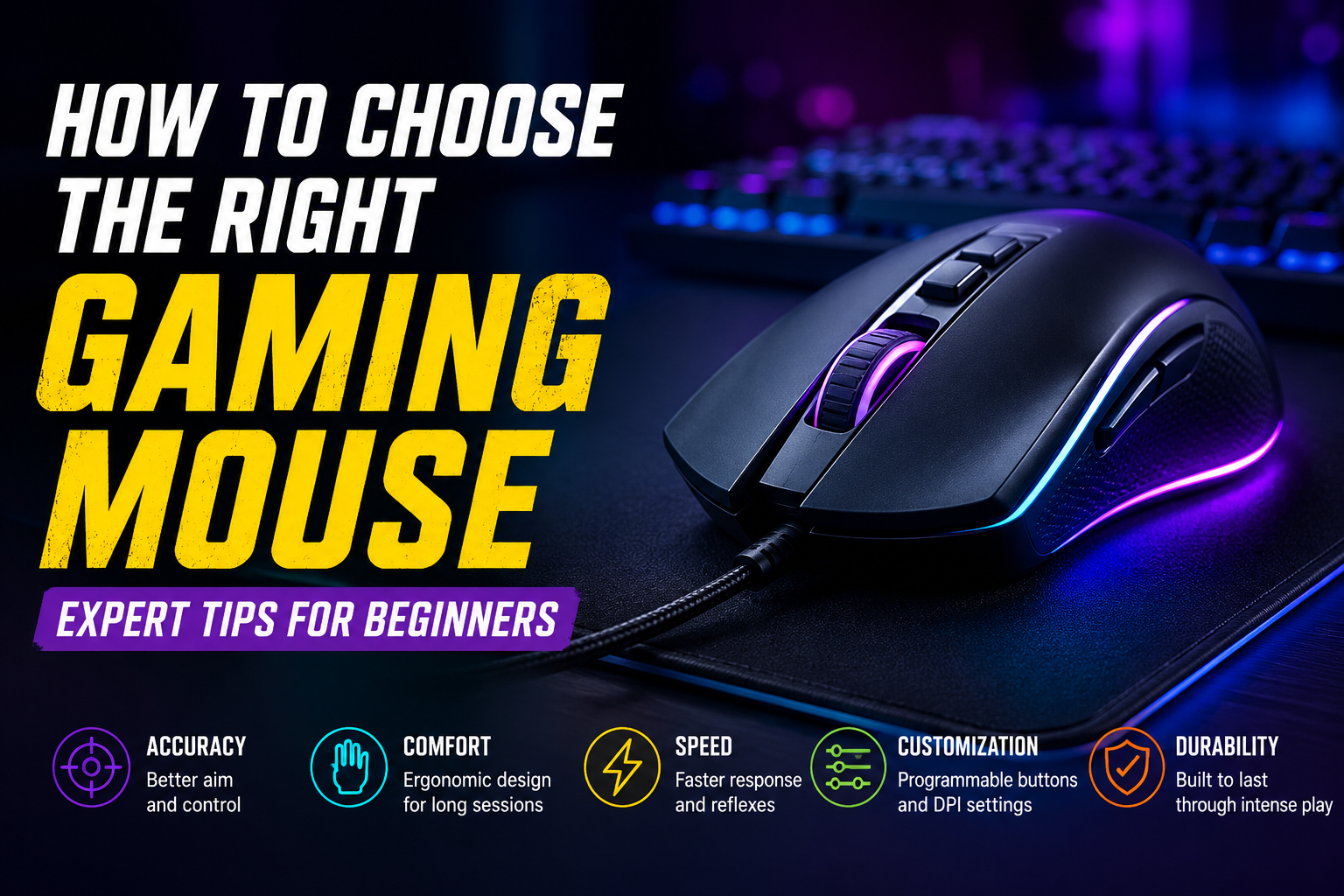
Title: How to Choose the Right Gaming Mouse: Expert Tips for Beginners (Complete Beginner’s Guide)
Description: Learn how to choose the right gaming mouse with this complete beginner’s guide. Discover grip styles, DPI, sensors, weight, wired vs. wireless, and expert buying tips to improve your gaming experience.
How to Choose the Right Gaming Mouse: Expert Tips for Beginners
Choosing the right gaming mouse is one of the most important decisions for anyone starting their gaming journey. While many beginners focus on building a powerful gaming PC or purchasing a high-refresh-rate monitor, they often overlook the importance of the mouse they use every day. A gaming mouse is more than just a pointing device—it directly affects your aiming accuracy, reaction speed, comfort, and overall gaming performance. Whether you’re playing fast-paced first-person shooters, strategy games, battle royale titles, or casual multiplayer games, the right gaming mouse can significantly improve your experience.
The gaming peripherals market has grown rapidly over the past few years, offering hundreds of gaming mice with different shapes, sizes, sensors, weights, and features. From affordable entry-level models to professional esports mice, the choices can feel overwhelming. Marketing terms such as ultra-high DPI, RGB lighting, optical switches, and customizable macros often make it difficult for beginners to understand what truly matters. The good news is that you don’t need the most expensive gaming mouse to enjoy smooth and responsive gameplay. Instead, you need a mouse that suits your hand, playing style, and budget.
In this comprehensive guide, we’ll explain every important factor you should consider before purchasing a gaming mouse, helping you make an informed decision and avoid common buying mistakes.
Why a Good Gaming Mouse Matters

A gaming mouse plays a crucial role in your gaming performance because it acts as the primary connection between your movements and what happens on screen. Every click, flick, and movement is translated into in-game actions, making responsiveness and precision incredibly important. Unlike standard office mice, gaming mice are designed with high-performance sensors, faster response times, durable switches, ergonomic shapes, and customizable features that help gamers perform more efficiently.
Using a poorly designed mouse can result in inaccurate aiming, delayed reactions, wrist discomfort, and hand fatigue during long gaming sessions. On the other hand, a well-designed gaming mouse offers smooth tracking, reliable clicks, better grip, and improved comfort, allowing you to stay focused on the game rather than adjusting your hand position. Even if you are not a competitive gamer, investing in a quality gaming mouse can make gaming sessions more enjoyable and less physically tiring.
Understand the Type of Games You Play
The first step in choosing a gaming mouse is understanding the type of games you play most often. Different gaming genres place different demands on your mouse, and selecting a model designed for your preferred games can improve both comfort and performance.
If you mainly enjoy first-person shooter (FPS) games such as Valorant, Counter-Strike 2, Call of Duty, or Apex Legends, you’ll benefit from a lightweight mouse with an accurate optical sensor and minimal input delay. Fast-paced games require quick movements and precise aiming, so many competitive players prefer simpler mice with fewer buttons and lighter designs.
Players who spend most of their time in multiplayer online battle arena (MOBA) games like League of Legends or Dota 2 often prefer mice that include additional programmable buttons. These buttons allow quick access to in-game abilities, improving efficiency during intense matches.
For MMORPG players, having several programmable side buttons can be extremely useful. Games such as World of Warcraft require frequent use of abilities and shortcuts, making additional buttons a practical advantage.
If your gaming habits include a mixture of different genres, a balanced gaming mouse with moderate weight, a comfortable shape, and a handful of programmable buttons is usually the best option.
Choosing the Right Grip Style
One of the most overlooked aspects of buying a gaming mouse is choosing one that matches the way you naturally hold it. Every gamer has a unique grip style, and using a mouse designed for your grip can significantly improve comfort during long gaming sessions.
The most common grip is the palm grip, where the entire hand rests comfortably on the mouse. This grip provides excellent support and reduces hand fatigue, making it ideal for long hours of gaming. Gamers with larger hands often prefer ergonomic mice that fully support the palm.
The claw grip is another popular style, where the palm only partially touches the mouse while the fingers remain arched. This grip allows quicker clicks and faster movements, making it a favorite among competitive FPS players.
The fingertip grip relies almost entirely on the fingertips, with little or no contact between the palm and the mouse. This grip provides exceptional agility and allows for rapid directional changes, although it may not be as comfortable during extended gaming sessions.
Since every person’s hand size is different, it’s always worth checking the dimensions of a gaming mouse before making a purchase.
Understanding DPI Without the Marketing Hype
One of the first specifications you’ll notice when shopping for a gaming mouse is DPI, or Dots Per Inch. DPI measures how sensitive a mouse is by determining how far the cursor moves on the screen for every inch the mouse is physically moved.
Many manufacturers advertise extremely high DPI values, sometimes exceeding 30,000 DPI. While these numbers may sound impressive, they are mostly used as marketing tools. In reality, the vast majority of professional gamers play between 400 and 1600 DPI because this range offers greater control and precision.
Higher DPI settings can make the cursor move extremely fast, but they may also make precise aiming more difficult. Beginners are generally better off starting with a moderate DPI setting and adjusting it over time based on personal preference. Most modern gaming mice allow users to switch DPI settings instantly, making it easy to experiment until you find the sensitivity that feels comfortable.

Optical Sensors vs. Laser Sensors
The sensor is the heart of any gaming mouse because it determines how accurately the mouse tracks movement. Today, most quality gaming mice use optical sensors, which are widely considered the best option for gaming.
Optical sensors provide precise and consistent tracking on most mouse pads, making them the preferred choice for competitive gamers. They deliver accurate movement without introducing unwanted acceleration, allowing players to build muscle memory and improve aiming consistency.
Laser sensors, while capable of working on a wider variety of surfaces, can sometimes introduce slight acceleration or inconsistent tracking, especially during fast movements. Although laser technology has improved over the years, optical sensors continue to dominate the gaming market because of their reliability and precision.
For beginners, choosing a gaming mouse with a high-quality optical sensor is generally the safest and most practical decision.
Wired or Wireless: Which Is Better?
For many years, wired gaming mice were considered superior because they offered lower latency and uninterrupted performance. However, wireless technology has advanced dramatically, and modern wireless gaming mice now deliver performance that is virtually identical to their wired counterparts.
A wired gaming mouse remains an excellent choice for beginners because it eliminates the need for charging, is generally more affordable, and provides a stable connection at all times. If you’re on a limited budget, wired models often offer outstanding value.
Wireless gaming mice, on the other hand, provide greater freedom of movement and a cleaner desk setup by eliminating cable drag. Premium wireless models also feature long battery life and ultra-low latency, making them suitable even for professional esports players. Although they usually cost more than wired alternatives, many gamers appreciate the added convenience they provide.
The Importance of Mouse Weight
Mouse weight has become one of the most discussed features in modern gaming peripherals. While some gamers prefer ultra-lightweight mice for quick flick shots, others enjoy the stability of slightly heavier models.
Lightweight gaming mice are particularly popular among FPS players because they require less effort to move across the mouse pad, allowing for faster reactions and smoother aiming. Medium-weight mice offer a balanced experience suitable for a wide variety of games, while heavier mice provide greater control and are often preferred by MMO players or users who perform both gaming and productivity tasks.
Ultimately, there is no universally perfect weight. The ideal choice depends entirely on your personal comfort and gaming style.
Comfort Should Always Come First
No matter how advanced a gaming mouse may be, it will never improve your experience if it feels uncomfortable in your hand. Comfort should always be one of your highest priorities when selecting a gaming mouse because you’ll likely spend hundreds or even thousands of hours using it over its lifetime.
Pay close attention to the mouse’s size, shape, button placement, and overall ergonomics. A mouse that fits naturally in your hand reduces muscle strain and allows smoother movements, helping prevent discomfort during extended gaming sessions. If possible, compare the dimensions of different models with your hand size before making a purchase.
Are Extra Buttons Really Necessary?
Many gaming mice include programmable side buttons that can be customized for different games. While these additional controls can be incredibly useful for MMO and strategy games, they are not essential for everyone.
Competitive FPS players often prefer simpler designs with only two side buttons to reduce accidental presses. Casual gamers usually find that five to seven total buttons provide the perfect balance between functionality and simplicity. Before purchasing a mouse with a large number of programmable buttons, consider whether you’ll actually use them in your favorite games.
Don’t Be Fooled by RGB Lighting
RGB lighting has become a common feature in modern gaming peripherals, adding colorful effects that can synchronize with keyboards, headsets, and other accessories. While RGB certainly enhances the appearance of a gaming setup, it has absolutely no impact on gaming performance.
If you’re working within a limited budget, it’s generally wiser to prioritize a high-quality sensor, comfortable ergonomics, and durable switches over decorative lighting. Performance should always come before aesthetics.
Build Quality and Durability
A gaming mouse is an investment, and durability is an important factor that shouldn’t be overlooked. High-quality gaming mice are built with premium materials, long-lasting mechanical switches, smooth PTFE feet, and durable scroll wheels that can withstand years of daily use.
Cheaper mice may initially appear attractive due to their low prices, but poor build quality often leads to button failures, inconsistent clicks, or tracking problems over time. Spending slightly more on a well-built gaming mouse can save money in the long run by reducing the need for frequent replacements.
Common Mistakes Beginners Should Avoid
Many first-time buyers assume that higher specifications automatically mean better performance, but this is not always true. Purchasing a gaming mouse solely because it offers the highest DPI, the most RGB lighting, or the greatest number of buttons can often lead to disappointment.
Instead of focusing on marketing numbers, prioritize comfort, sensor quality, weight, and ergonomics. Another common mistake is ignoring hand size, which can make even an expensive gaming mouse uncomfortable to use. Beginners should also avoid buying extremely cheap mice from unknown brands, as these often compromise on sensor quality and durability.
Frequently Asked Questions (FAQs)
1. What is the most important factor when choosing a gaming mouse?
The most important factor is comfort. A gaming mouse should fit your hand size and grip style naturally, allowing you to play for long hours without experiencing wrist pain or hand fatigue. While features like DPI and RGB lighting are appealing, an ergonomic design and a high-quality sensor have a much greater impact on your gaming experience.
2. What DPI is best for beginners?
For most beginners, a DPI setting between 800 and 1600 provides an excellent balance of speed and precision. This range is suitable for the majority of games and helps players maintain better control over their movements. As you gain experience, you can adjust the sensitivity to match your personal preferences.
3. Is a wireless gaming mouse better than a wired one?
Modern wireless gaming mice have become incredibly fast and reliable, offering performance that is nearly identical to wired models. If your budget allows, a wireless mouse provides greater freedom of movement and a cleaner setup. However, wired gaming mice remain an excellent choice because they are generally more affordable, require no charging, and deliver consistent performance.
4. Does a higher DPI mean a better gaming mouse?
No. A higher DPI does not automatically make a gaming mouse better. Many premium gaming mice advertise extremely high DPI values, but even professional esports players often use settings between 400 and 1600 DPI. Sensor quality, tracking accuracy, comfort, and responsiveness are far more important than having the highest DPI number.
5. How many buttons should a gaming mouse have?
The ideal number of buttons depends on the type of games you play. For most beginners and FPS gamers, a mouse with five to seven buttons is more than enough. MMO players may benefit from additional programmable buttons that allow quicker access to in-game abilities and macros.
6. Are gaming mice suitable for everyday use?
Yes. Gaming mice are excellent for everyday tasks such as web browsing, office work, graphic design, and video editing. Their ergonomic designs, precise sensors, and customizable buttons often make them more comfortable and efficient than standard office mice.
7. How long does a gaming mouse typically last?
A high-quality gaming mouse can last anywhere from 3 to 7 years, depending on how frequently it is used and how well it is maintained. Regular cleaning, proper storage, and using a quality mouse pad can significantly extend its lifespan.
8. Is RGB lighting important in a gaming mouse?
RGB lighting is purely an aesthetic feature and does not improve gaming performance. If you have a limited budget, it’s better to invest in a mouse with a reliable optical sensor, durable switches, and comfortable ergonomics rather than paying extra for lighting effects.
9. Can a gaming mouse improve my gaming performance?
Yes. While a gaming mouse won’t instantly make you a better player, it can significantly improve your accuracy, reaction time, comfort, and consistency. Combined with regular practice, a well-designed gaming mouse can help you perform more confidently and comfortably during long gaming sessions.
10. Should beginners buy an expensive gaming mouse?
Not necessarily. Many budget and mid-range gaming mice offer excellent performance and all the essential features that beginners need. Instead of focusing on the most expensive model, choose a mouse that provides a comfortable fit, a reliable optical sensor, good build quality, and features that match your gaming style and budget.
Final Thoughts
Choosing the right gaming mouse doesn’t have to be complicated. The best gaming mouse isn’t necessarily the most expensive or the one with the highest DPI—it is the one that feels comfortable in your hand, matches your gaming style, and provides reliable performance every time you play. Features such as an accurate optical sensor, ergonomic design, suitable weight, durable switches, and responsive buttons will have a much greater impact on your gaming experience than flashy lighting or exaggerated marketing claims.
As a beginner, take the time to understand your preferences before making a purchase. Consider the games you play most often, your preferred grip style, and your budget. A thoughtfully chosen gaming mouse will not only improve your performance but also make gaming more comfortable and enjoyable for years to come. By focusing on the features that truly matter, you’ll be able to invest confidently in a gaming mouse that supports your skills as they grow and enhances every gaming session.