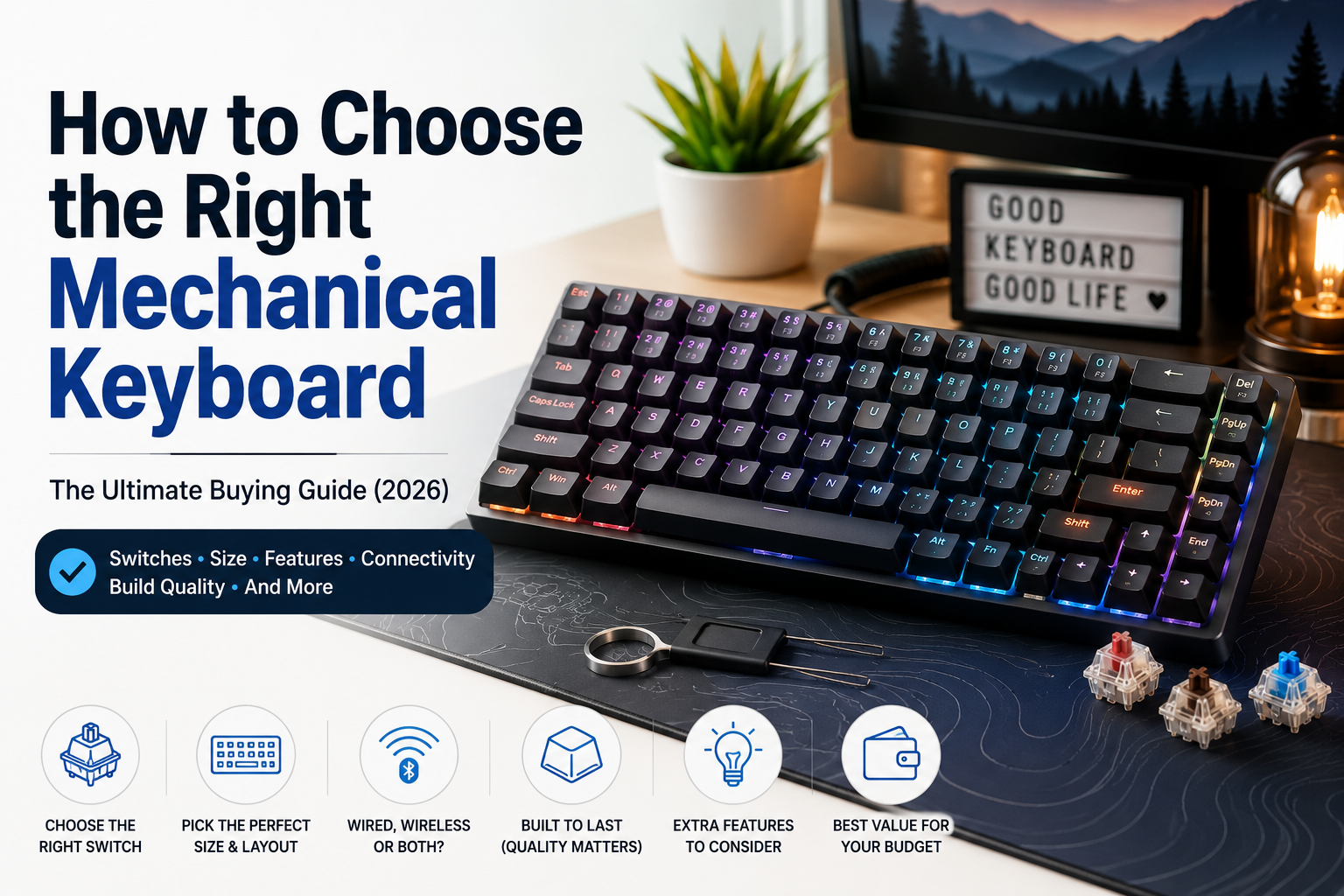

Mechanical keyboards have become one of the most popular upgrades for anyone who spends hours typing, gaming, coding, or creating content. Unlike traditional membrane keyboards, mechanical keyboards offer superior durability, better typing feedback, faster response times, and a more satisfying typing experience.
However, choosing the right mechanical keyboard isn’t as simple as buying the most expensive model. With different switch types, layouts, connectivity options, and features available, selecting the right keyboard depends entirely on your needs.
This guide explains everything you need to know before buying a mechanical keyboard in 2026.
Why Choose a Mechanical Keyboard?
Mechanical keyboards use individual mechanical switches beneath every key instead of rubber membranes.
Advantages
- Better typing accuracy
- Faster response time
- Long lifespan (50–100 million key presses)
- Comfortable for long typing sessions
- Replaceable keycaps
- Premium build quality
- Highly customizable
Whether you’re a gamer, programmer, writer, or office worker, a mechanical keyboard can significantly improve your daily workflow.
Step 1: Understand Keyboard Sizes
Keyboard size determines how much desk space you’ll save and which keys you’ll have access to.
| Size | Keys | Best For |
|---|---|---|
| Full Size (100%) | 104-108 | Office work, Accounting, General users |
| 96% | Nearly Full Size | Professionals wanting compact design |
| TKL (80%) | No Number Pad | Gaming, Programming |
| 75% | Compact with Function Row | Productivity |
| 65% | Compact Everyday Use | Students |
| 60% | Minimalist Setup | Gamers, Travelers |
| 40% | Enthusiasts Only | Advanced Users |
Recommendation
Most people should choose either:
- 75% Keyboard
- TKL Keyboard
- Full Size Keyboard
These offer the best balance between comfort and functionality.
Step 2: Choose the Right Switch Type
The switch is the heart of a mechanical keyboard.
There are three primary switch categories.
Linear Switches
Characteristics:
- Smooth keystrokes
- No tactile bump
- Quiet operation
- Fast actuation
Best for:
- Gaming
- Fast typing
- FPS games
Popular examples:
- Cherry MX Red
- Gateron Red
- Akko Cream Yellow
- Keychron Red
Tactile Switches
Characteristics:
- Noticeable bump while typing
- Moderate noise
- Balanced experience
Best for:
- Office work
- Programming
- Writing
- Everyday use
Popular examples:
- Cherry MX Brown
- Gateron Brown
- Keychron Brown
Clicky Switches
Characteristics:
- Loud click sound
- Strong tactile feedback
- Highly satisfying
Best for:
- Typing enthusiasts
- Writers
Not recommended if you work in shared offices due to the noise.
Popular examples:
- Cherry MX Blue
- Kailh Blue
Step 3: Wired vs Wireless
Wired Keyboard
Advantages
- Lowest latency
- No charging required
- Ideal for gaming
- Stable connection
Perfect for:
- Competitive gamers
- Office desktops
Wireless Keyboard
Advantages
- Clean desk setup
- Portable
- Bluetooth support
- Multi-device connectivity
Perfect for:
- Mac users
- Students
- Professionals
Tri-Mode Keyboard
Many premium keyboards now support:
- USB-C
- Bluetooth
- 2.4 GHz Wireless
This is the most versatile option if your budget allows.
Step 4: Hot-Swappable vs Non-Hot-Swappable
A hot-swappable keyboard allows you to replace switches without soldering.
Advantages
- Easy customization
- Repair damaged switches
- Experiment with different switch types
If you’re buying your first mechanical keyboard, hot-swappable models provide greater flexibility.
Step 5: Build Quality
The keyboard frame affects both durability and typing feel.
Plastic
- Lightweight
- Affordable
Aluminum
- Premium feel
- Excellent durability
- Better stability
CNC Aluminum
- High-end construction
- Minimal flex
- Premium aesthetics
Step 6: Keycaps Matter
Not all keycaps are created equal.
ABS Keycaps
Pros
- Affordable
- Smooth texture
Cons
- Become shiny over time
PBT Keycaps
Pros
- Durable
- Resistant to wear
- Better texture
- Premium quality
Recommended for most users.
Step 7: RGB or No RGB?
RGB lighting is optional but popular.
Benefits include:
- Improved visibility in low light
- Custom lighting effects
- Personalized aesthetics
If battery life is important, RGB can usually be turned off.
Step 8: Connectivity Features
Modern keyboards often include:
- Bluetooth 5.0
- USB-C charging
- 2.4 GHz wireless
- Multi-device pairing
- Mac and Windows compatibility
These features are especially useful if you switch between multiple devices.
Step 9: Battery Life
Wireless keyboard battery life varies widely.
Typical ranges:
- RGB On: 20–80 hours
- RGB Off: 100–300 hours
Look for USB-C charging and large-capacity batteries for longer use.
Step 10: Software Support
Many brands offer software to customize:
- RGB lighting
- Key remapping
- Macros
- Profiles
- Gaming modes
Choose a keyboard with reliable software if customization is important to you.
Step 11: Noise Level
If you work in shared spaces or attend online meetings frequently, quieter switches are preferable.
Quiet options include:
- Silent Red
- Silent Brown
- Linear switches with dampening
Avoid loud clicky switches unless you enjoy the sound and work in a private space.
Step 12: Ergonomics
Typing comfort is essential for long sessions.
Look for features such as:
- Adjustable feet
- Wrist rest support
- Low typing angle
- Gasket-mounted design
- Soft typing feel
Mechanical Keyboard Buying Checklist
Before purchasing, ask yourself:
✔ Which keyboard size suits my workspace?
✔ Will I use it mostly for gaming or typing?
✔ Do I need wireless connectivity?
✔ Which switch type do I prefer?
✔ Is hot-swappable support important?
✔ Are PBT keycaps included?
✔ Does it support Mac and Windows?
✔ Is the software reliable?
✔ Does it fit my budget?
Recommended Keyboard Types
For Gaming
- TKL or 75% layout
- Linear switches
- Wired or 2.4 GHz wireless
- Low latency
- RGB lighting
For Office Work
- Full-size or 96%
- Tactile switches
- Quiet operation
- Wireless connectivity
For Programming
- 75% layout
- Brown switches
- Hot-swappable
- PBT keycaps
For Students
- 65% layout
- Bluetooth
- Long battery life
- Compact design
For Content Creators
- 75% or Full-size
- Multi-device support
- Premium build quality
- USB-C connectivity
Common Mistakes to Avoid
- Buying based only on RGB lighting
- Ignoring switch type
- Choosing the wrong keyboard size
- Overlooking software support
- Purchasing low-quality ABS keycaps
- Forgetting about hot-swappable support
- Ignoring battery life on wireless models
Frequently Asked Questions
Are mechanical keyboards worth it?
Yes. They provide better durability, typing comfort, and responsiveness than membrane keyboards, making them a worthwhile investment for most users.
Which switch is best for beginners?
Tactile brown switches are a great starting point because they balance typing comfort with moderate noise.
Are wireless mechanical keyboards good for gaming?
Modern 2.4 GHz wireless keyboards offer excellent performance and are suitable for most gamers. Competitive esports players may still prefer wired connections for the lowest possible latency.
How long does a mechanical keyboard last?
A quality mechanical keyboard can last many years, with switches typically rated for 50–100 million key presses.
Do I need RGB lighting?
No. RGB is optional and primarily adds visual customization. It does not improve typing or gaming performance.
Final Verdict
A mechanical keyboard is one of the best upgrades you can make for your computer setup. Instead of focusing solely on brand names or flashy lighting, prioritize the features that match your daily use. Consider the keyboard size, switch type, build quality, connectivity, and ergonomics to ensure you get the best experience.
Whether you’re gaming, coding, writing, or working from home, the right mechanical keyboard can improve comfort, productivity, and overall satisfaction for years to come.
Our Top Mechanical Keyboard Picks (2026)
After evaluating features, build quality, switch options, and overall value, here are some excellent choices:
- Best Overall: Keychron K2 Pro
- Best for Gaming: SteelSeries Apex Pro
- Best Budget Option: Redragon K552
- Best for Programming: Keychron V1
- Best Premium Keyboard: ASUS ROG Azoth
.