Title: How to Choose the Right AI Image Generator (2026 Buying Guide)
Description: Learn how to choose the best AI image generator in 2026. Compare top AI image generation tools, features, pricing, image quality, editing capabilities, and find the perfect AI art platform for your needs.
How to Choose the Right AI Image Generator
AI image generators have transformed digital creativity. Whether you’re a graphic designer, marketer, content creator, entrepreneur, student, or hobbyist, these tools can generate high-quality images from simple text prompts in just seconds.
However, not every AI image generator is built for the same purpose. Some excel at photorealistic portraits, while others specialize in artistic illustrations, product mockups, or design workflows.
This guide explains everything you need to know before choosing an AI image generator and compares some of the most popular options available today.
Why Use an AI Image Generator?
AI image generators save time while expanding creative possibilities.
Common uses include:
- Social media graphics
- Blog featured images
- YouTube thumbnails
- Product mockups
- Marketing materials
- Digital artwork
- Logo concepts
- Book covers
- Website illustrations
- Presentation graphics
Instead of spending hours designing from scratch, AI can produce multiple concepts in minutes.
Who Should Use an AI Image Generator?
Content Creators
Perfect for:
- Blog graphics
- YouTube thumbnails
- Instagram posts
- Pinterest pins
Graphic Designers
Useful for:
- Concept art
- Mood boards
- Creative inspiration
- Design variations
Businesses
AI-generated images can support:
- Advertising
- Product promotion
- Website banners
- Social media campaigns
- Brand storytelling
Students
Helpful for:
- Presentations
- Educational projects
- Posters
- Infographics
Key Features to Consider
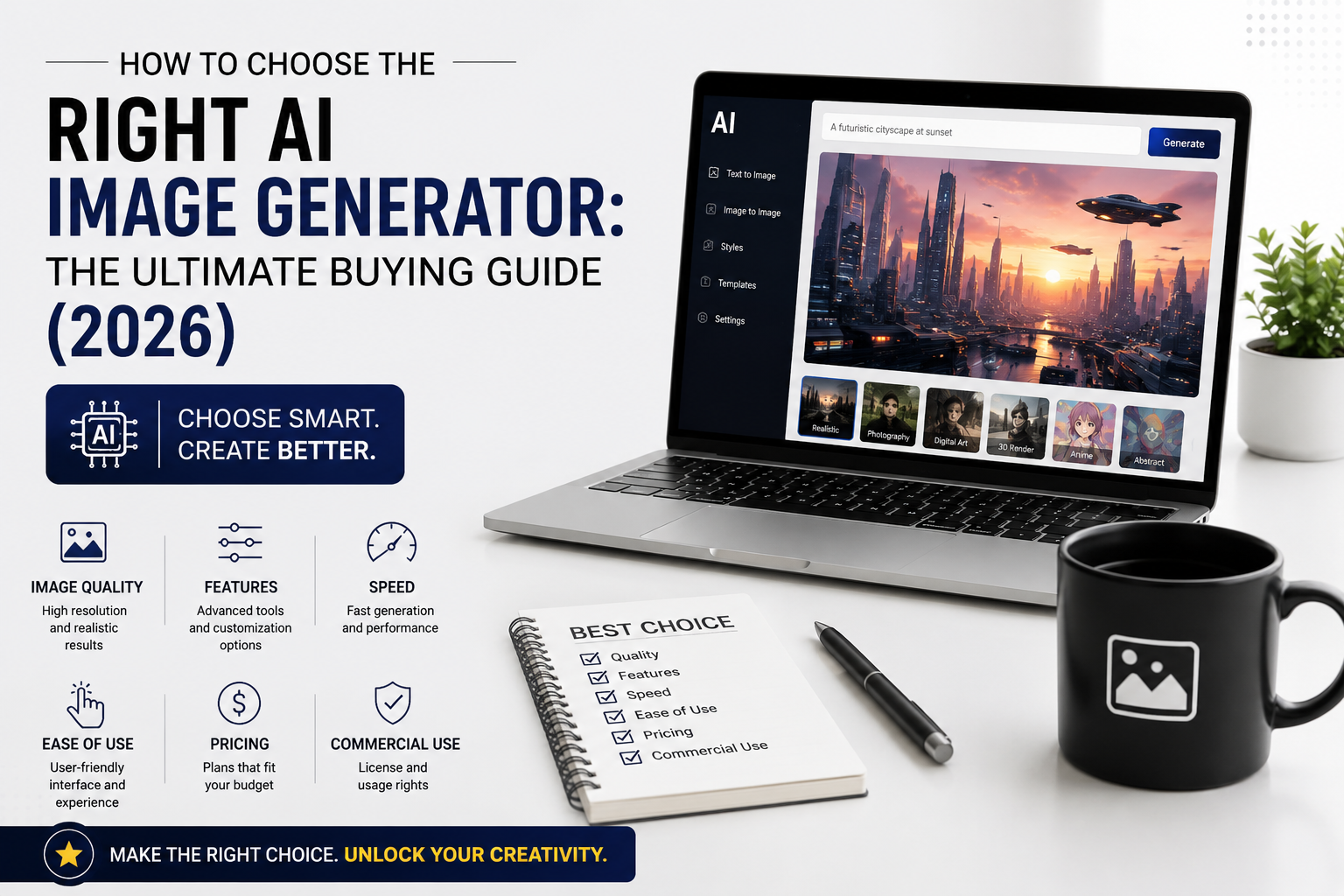
1. Image Quality
The most important factor is output quality.
Look for:
- High resolution
- Sharp details
- Realistic lighting
- Accurate anatomy
- Natural colors
2. Ease of Use
A beginner-friendly AI image generator should offer:
- Simple interface
- Fast generation
- Prompt suggestions
- Built-in templates
- Easy downloads
3. Editing Capabilities
Advanced tools may include:
- Inpainting (replace parts of an image)
- Outpainting (expand beyond the image borders)
- Background removal
- Image variations
- Upscaling
These features are valuable if you plan to refine AI-generated images.
4. Prompt Understanding
A strong AI model should accurately interpret detailed prompts, including:
- Artistic style
- Camera angle
- Lighting
- Composition
- Colors
- Subject details
The better the prompt understanding, the closer the result will be to your vision.
5. Speed
Generation speed matters if you’re producing content regularly.
Premium plans often provide:
- Faster image generation
- Higher priority during peak times
- More images per day
6. Commercial Usage
Before using AI-generated images in business, verify the platform’s licensing terms.
Check whether commercial use is allowed and whether any restrictions apply to free-tier images.
7. Pricing
Most AI image generators offer:
Free Plans
Suitable for:
- Learning
- Personal projects
- Occasional use
Paid Plans
Usually include:
- More image generations
- Higher resolution
- Faster performance
- Advanced editing features
- Commercial usage options
Choose a plan based on how frequently you’ll generate images.
Top 5 AI Image Generators
1. ChatGPT Image Generation

Best for: General users, content creators, marketing visuals, and conversational image creation.
Advantages
- Natural-language prompting
- Image editing through conversation
- Strong photorealistic and illustrative output
- Helpful for brainstorming ideas
Ideal For
- Bloggers
- Social media creators
- Students
- Small businesses
2. Midjourney

Best for: Artistic illustrations and highly stylized visuals.
Advantages
- Exceptional artistic quality
- Cinematic images
- Strong creative style
- Excellent concept art
Ideal For
- Digital artists
- Designers
- Creative professionals
3. Adobe Firefly

Best for: Professional design workflows.
Advantages
- Integration with Adobe Creative Cloud
- Commercial-friendly features
- Generative Fill
- High-quality typography support
Ideal For
- Graphic designers
- Marketing teams
- Agencies
4. Google Imagen

Best for: Realistic image generation with detailed prompt understanding.
Advantages
- Strong language understanding
- High realism
- Accurate object rendering
- Consistent image quality
Ideal For
- Professionals
- Researchers
- Creative teams
5. Stable Diffusion

Best for: Advanced users who want flexibility and local control.
Advantages
- Open-source
- Highly customizable
- Runs locally on compatible hardware
- Large ecosystem of community models
Ideal For
- Developers
- AI enthusiasts
- Researchers
Comparison Table
| AI Image Generator | Best For | Ease of Use | Image Quality | Editing Features | Suitable For |
|---|---|---|---|---|---|
| ChatGPT Image Generation | Everyday content creation | ⭐⭐⭐⭐⭐ | ⭐⭐⭐⭐⭐ | Excellent | Bloggers, marketers |
| Midjourney | Artistic illustrations | ⭐⭐⭐⭐ | ⭐⭐⭐⭐⭐ | Moderate | Artists |
| Adobe Firefly | Professional design | ⭐⭐⭐⭐⭐ | ⭐⭐⭐⭐⭐ | Excellent | Designers |
| Google Imagen | Realistic images | ⭐⭐⭐⭐ | ⭐⭐⭐⭐⭐ | Good | Professionals |
| Stable Diffusion | Customization | ⭐⭐⭐ | ⭐⭐⭐⭐ | Extensive | Developers |
How to Choose the Best AI Image Generator
Ask yourself these questions:
Do you need realistic photos?
Choose a tool known for photorealistic rendering.
Are you creating marketing graphics?
Look for editing tools and commercial licensing.
Do you need artistic illustrations?
Prioritize creative style and visual consistency.
Do you want to edit images later?
Choose a platform with inpainting, outpainting, and background editing.
Will you use it professionally?
Check licensing, commercial usage rights, collaboration features, and export quality.
Common Mistakes to Avoid
- Choosing solely based on price.
- Ignoring commercial licensing.
- Writing vague prompts.
- Assuming AI images never need editing.
- Not comparing free and paid plans.
- Ignoring privacy policies for uploaded content.
Tips for Better AI Images
- Write detailed prompts.
- Specify lighting and camera angles.
- Mention the artistic style you want.
- Generate multiple variations.
- Refine prompts instead of starting over.
- Use editing tools to improve final results.
Frequently Asked Questions
Are AI image generators free?
Most platforms provide a free plan or trial, with paid subscriptions offering higher limits and advanced features.
Can I use AI-generated images commercially?
Many services allow commercial use under certain conditions. Always review the platform’s licensing terms before using images for business.
Which AI image generator is best for beginners?
A platform with a simple interface, clear prompting, and built-in editing tools is usually the easiest starting point.
Can AI generate realistic human portraits?
Yes. Modern AI image generators can create highly realistic portraits, although results vary by platform and prompt quality.
Do I need design experience?
No. Clear prompts are often enough to create impressive results, though basic design knowledge can help you achieve more polished images.
Final Thoughts
The best AI image generator depends on your creative goals. If you need realistic marketing visuals, choose a tool focused on photorealism and editing. If you’re an artist, a platform with strong stylistic capabilities may be a better fit. Developers and advanced users may prefer customizable, open-source solutions.
Instead of selecting a tool based on popularity alone, compare image quality, editing features, licensing, ease of use, and pricing. By matching the platform to your specific workflow, you’ll create better images while getting the most value from your investment.