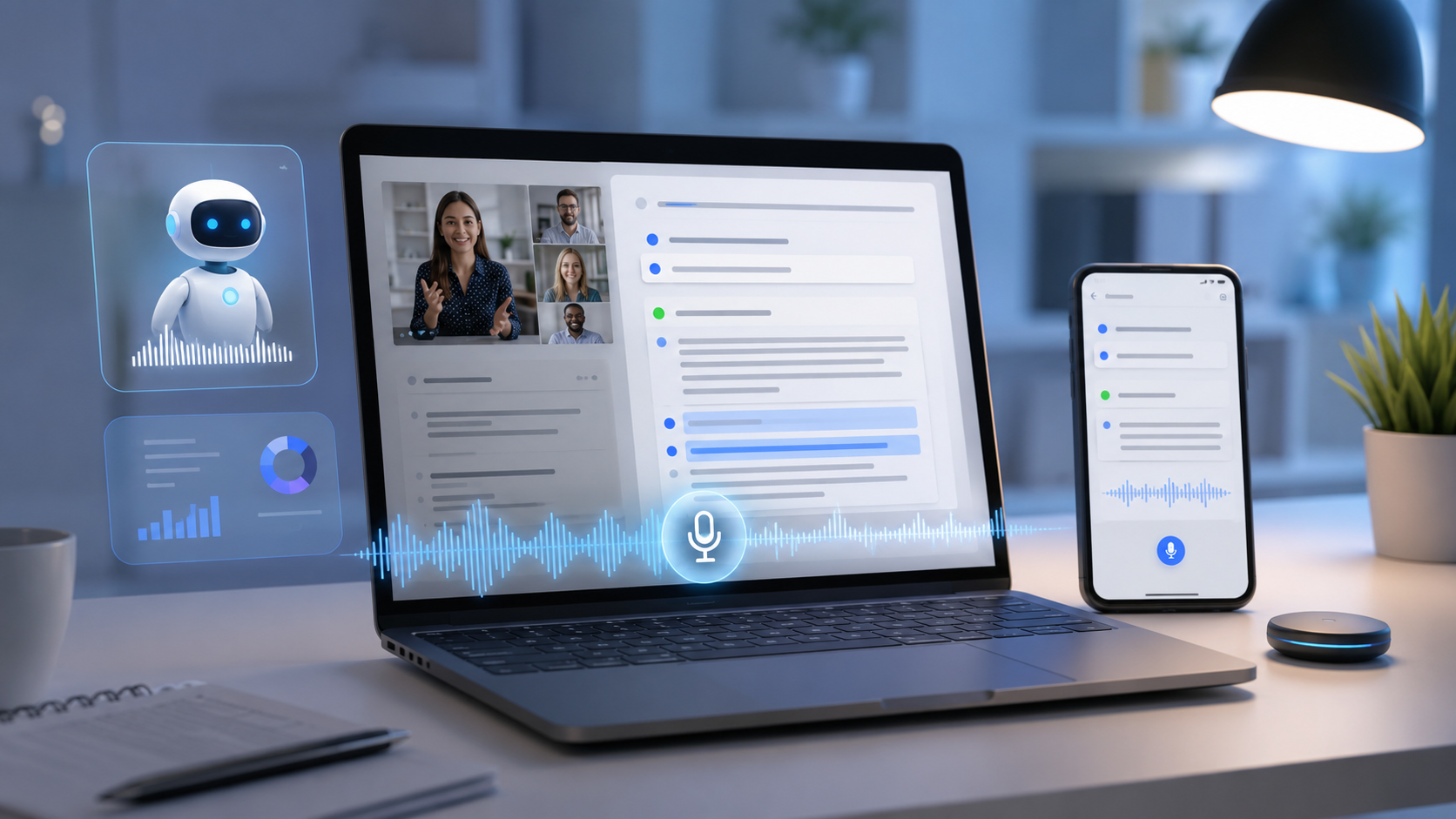
al intelligence has quietly transformed the way people take notes. Instead of manually typing meeting minutes, organizing lecture notes, or creating summaries, AI-powered note-taking apps can now record conversations, generate action items, summarize long discussions, and even answer questions based on your notes.
But here’s the question many professionals, students, and creators are asking in 2026: Do AI note-taking apps actually save time, or are they just another productivity trend?
The short answer is yes—but only if you choose the right app and use it correctly.
In this guide, we’ll explore the best AI note taking app options available in 2026, compare their strengths, discuss their limitations, and help you decide whether they’re worth adding to your daily workflow.
Why AI Note-Taking Apps Are So Popular in 2026
AI assistants have become part of everyday work. Remote meetings, online classes, interviews, brainstorming sessions, and project planning all generate massive amounts of information.
Instead of writing everything manually, AI note-taking apps can:
- Record conversations
- Transcribe speech in real time
- Create concise summaries
- Highlight important decisions
- Generate task lists
- Search notes instantly using AI
For many users, this removes the repetitive work of organizing information after every meeting.
What Makes the Best AI Note Taking App?
Not every AI note-taking app is built the same. The best ones combine accuracy, speed, and useful AI features.
Look for these features:
- Accurate speech-to-text transcription
- AI-generated summaries
- Action item detection
- Multi-language support
- Cloud synchronization
- Mobile and desktop apps
- Integration with Zoom, Google Meet, Teams, Slack, and calendars
- Strong privacy and security controls
The right combination depends on how you work.
Best AI Note-Taking Apps in 2026
1. Microsoft OneNote with Copilot
OneNote has evolved into an AI-powered workspace with Copilot integration.
Best for:
Business professionals and Microsoft 365 users
Highlights
- AI summaries
- Meeting recap
- Content rewriting
- Brainstorming assistance
- Deep Microsoft ecosystem integration
If your organization already uses Microsoft 365, OneNote with Copilot offers one of the smoothest AI experiences.
2. Notion AI
Notion remains one of the most flexible productivity platforms available.
Best for:
Teams, startups, freelancers, and creators
Features
- AI writing assistant
- Automatic summaries
- Knowledge management
- Database integration
- Meeting note generation
Notion AI is especially useful if your notes are part of larger projects or documentation.
3. Otter.ai
Otter has become one of the most recognized AI meeting assistants.
Best for:
Meetings and interviews
Features
- Live transcription
- Speaker identification
- AI meeting summaries
- Action items
- Searchable conversations
Journalists, consultants, and remote teams often rely on Otter for recording important discussions.
4. Google NotebookLM
Google’s NotebookLM has grown rapidly thanks to its AI-powered research capabilities.
Best for:
Researchers and students
Features
- AI-generated summaries
- Ask questions about uploaded documents
- Source citations
- Knowledge organization
Rather than simply storing notes, NotebookLM helps users interact with their information conversationally.
5. Evernote AI
Evernote has added several AI productivity tools while maintaining its classic note organization.
Best for:
Personal productivity
Features
- AI search
- Smart organization
- Writing improvements
- Automatic summaries
Users who already have years of notes stored in Evernote may appreciate its familiar interface combined with AI enhancements.
Do AI Note-Taking Apps Really Save Time?
For many users, the answer is yes.
Imagine attending five one-hour meetings every week.
Without AI, you may spend:
- Taking notes during meetings
- Rewriting messy notes
- Creating summaries
- Sending follow-up emails
- Extracting action items
This can easily consume several additional hours each week.
With AI note-taking software, much of this work happens automatically. Instead of organizing everything yourself, you simply review the generated summary and make minor edits if needed.
That efficiency can add up significantly over time.
Real-World Examples
Students
A university student records a two-hour lecture. The AI app produces a structured summary, highlights key concepts, and allows searching for specific topics before exams.
Sales Teams
A sales representative finishes a client call and immediately receives meeting notes, customer concerns, and follow-up tasks without manually writing anything.
Content Creators
Podcast hosts upload recordings and receive transcripts that can later become blog posts, newsletters, or social media content.
Where AI Note-Taking Still Falls Short
AI is improving quickly, but it isn’t perfect.
Some common limitations include:
Speaker confusion
Multiple people talking simultaneously can reduce transcription accuracy.
Technical terminology
Industry-specific vocabulary sometimes requires manual correction.
Privacy concerns
Recording meetings may require participant consent depending on local laws and workplace policies.
Hallucinations
AI-generated summaries occasionally omit context or misinterpret discussions. It’s still important to review important notes before sharing them.
Which AI Note-Taking App Is Right for You?
| User Type | Recommended App |
|---|---|
| Students | Google NotebookLM |
| Business Teams | Microsoft OneNote + Copilot |
| Freelancers | Notion AI |
| Journalists | Otter.ai |
| Personal Productivity | Evernote AI |
There isn’t a single winner for everyone.
The best AI note taking app depends on your workflow, preferred ecosystem, and collaboration needs.
Are Free AI Note-Taking Apps Enough?
Many apps now offer generous free plans.
Free versions usually include:
- Limited transcription minutes
- Basic AI summaries
- Cloud syncing
- Mobile support
Premium subscriptions often unlock:
- Unlimited transcription
- Advanced AI analysis
- Team collaboration
- Higher storage
- Enterprise security
For occasional users, a free plan may be sufficient. Professionals who attend multiple meetings each week often benefit from upgrading.
Expert Tips
- Review AI-generated summaries before sharing them.
- Organize notes using folders or tags to improve searchability.
- Connect your note-taking app with your calendar for automatic meeting capture.
- Use AI summaries as a starting point rather than the final version.
- Protect sensitive information by understanding each platform’s privacy settings.
- Test several apps before committing to a paid subscription, as each has different strengths.
FAQs
1. What is the best AI note taking app in 2026?
Popular choices include Microsoft OneNote with Copilot, Notion AI, Otter.ai, Google NotebookLM, and Evernote AI. The best option depends on your workflow.
2. Can AI automatically summarize meetings?
Yes. Most modern AI note-taking apps generate summaries, identify action items, and highlight important decisions automatically.
3. Are AI note-taking apps accurate?
They are generally very accurate for clear audio, but accents, background noise, and overlapping speakers can affect transcription quality.
4. Do AI note-taking apps work offline?
Some features may work offline, but AI processing and cloud synchronization usually require an internet connection.
5. Are free AI note-taking apps worth using?
Yes. Free plans are suitable for students and casual users, while professionals may benefit from premium features.
6. Can AI organize notes automatically?
Many apps automatically categorize notes, generate titles, create tags, and suggest folders using AI.
7. Are AI note-taking apps secure?
Most leading platforms use encryption and enterprise-grade security, but users should always review privacy policies before storing sensitive information.
8. Which AI note-taking app is best for students?
Google NotebookLM is an excellent choice for research, study materials, and interactive learning.
9. Can AI generate action items from meetings?
Yes. Many AI meeting assistants automatically identify tasks, deadlines, and follow-up actions from conversations.
AI note-taking apps have matured significantly in 2026. They no longer just record conversations—they organize information, generate summaries, identify action items, and help users retrieve knowledge quickly.
While they aren’t perfect, they can substantially reduce the time spent on administrative work after meetings, lectures, and brainstorming sessions. The biggest productivity gains come from using AI as an assistant rather than relying on it completely.
If you’re looking for the best AI note taking app, start by considering your daily workflow. Business professionals may prefer OneNote with Copilot, creative teams often choose Notion AI, researchers benefit from NotebookLM, and frequent meeting attendees continue to rely on Otter.ai. Choosing the right tool can make managing information faster, more organized, and far less stressful.
Related Internal Article Suggestions
- AI Webcams 2026: Do You Actually Need One for Video Calls?
- Ray-Ban Meta vs Even Realities G2: Which Smart Glasses Are Better?
- Google Launches New AI Tools for Indian Developers at I/O Connect 2026
- Best Budget Laptops for Students 2026: Back-to-School Buying Guide
- How to Choose the Right AI Image Generator